
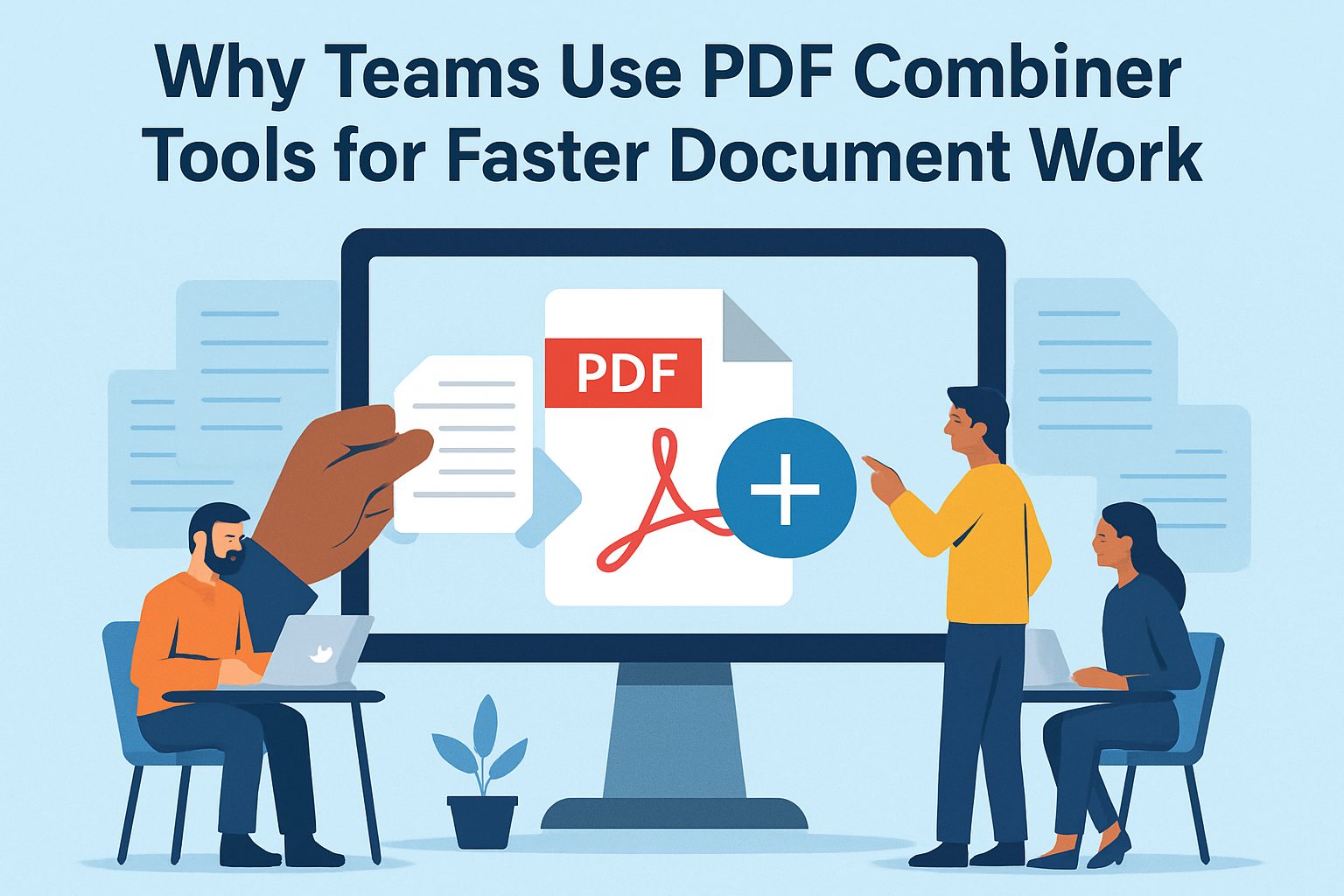
Teams today deal with a constant flow of digital documents. Project reports, contracts, presentations, invoices, and internal documentation often exist as separate files that need to be organized and shared quickly. When documents are scattered across multiple attachments or folders, collaboration slows down, and information becomes harder to manage.
This is why many teams rely on tools that help them combine PDF files into a single document. Instead of passing around multiple files, teams can bring everything together into a single, organized document.
Before looking at the benefits, it helps to understand what these tools are and why they are widely used across teams.
PDF combiner tools are applications or online services that allow users to combine PDF files into a single document.
Many tools also allow users to:
Modern platforms also allow teams to merge PDFs online, meaning the process can be completed directly in a browser without installing additional software.
Efficient document management plays a major role in team productivity. When files are organized properly, employees spend less time searching for documents and more time working on tasks that matter.
As teams grow and projects become more complex, tools for merging PDFs help maintain structure and consistency across documents.
Teams rely on PDF combiner tools for several reasons. These tools simplify workflows and improve how documents move between people.
One of the biggest advantages of these tools is how they simplify everyday tasks.
In many organizations, employees need to gather information from multiple sources. For example, a project proposal might include research notes, financial data, and presentation materials. Instead of sharing each file individually, teams can merge files into one PDF that contains all relevant information.
Collaboration becomes easier when everyone works from a single document. This improves clarity and helps avoid mistakes caused by missing information.
Additionally, tools that allow teams to merge PDFs online also support remote work. Team members can upload and combine files from different locations without relying on local software.
Another benefit is reducing digital clutter.
Large projects often generate many files. Without organization, folders quickly become difficult to navigate. By merging PDFs, teams can reduce the number of separate files they need to store and manage.
Not all PDF combiner tools are the same. Some features make a significant difference in usability and performance.
A good PDF combiner tool should be easy to use. Employees should be able to upload files, rearrange pages, and combine PDF documents without complex instructions.
Simple interfaces reduce training time and make the tool accessible to everyone on the team.
Common usability features include:
When tools are intuitive, teams can focus on their work rather than learning complicated software.
Speed is another important factor. Teams often work under deadlines, so tools must process files quickly.
Modern online platforms allow users to merge PDFs online within seconds. This allows teams to combine files during meetings or while preparing presentations.
Many documents contain sensitive information, including contracts, financial reports, or internal communications.
Reliable PDF combiner tools include security measures such as:
These features help protect confidential information when teams merge documents using online tools.
Selecting the right tool depends on how your team works and what features are most important.
Start by considering how often your team works with documents that need to be combined.
For example:
Understanding these needs helps determine whether your team should use a cloud-based platform or desktop software.
There are several tools available that allow users to combine PDF documents.
Some platforms focus on basic document merging, while others offer additional editing and collaboration features. Tools like Lumin, Smallpdf, and Adobe Acrobat allow teams to upload and merge files quickly.
When comparing tools, consider factors such as:
Choosing a tool that fits existing workflows can improve adoption across the team.
Cost is another important consideration.
Many tools offer free versions that support basic features such as merging PDFs. However, teams that process documents frequently may benefit from paid plans that offer:
The right choice depends on how heavily your team relies on document management tools.
When teams work with multiple documents, being able to combine PDF files quickly helps keep information organized and easier to share. Instead of managing several attachments, teams can merge files into one PDF and work from a single document.
Using tools that allow teams to merge PDFs online helps simplify document workflows and reduces unnecessary file clutter.











