When people visit your website, they expect everything to work instantly. Pages should load quickly. Navigation should feel intuitive. Visuals should look sharp on every screen. If a site feels slow or clunky, many visitors will not stick around long enough to see what you have to offer.
Of course, website performance depends on many factors. However, the type of icons you use is often neglected. Replacing traditional image-based icons with SVG icons is one of the simplest ways to create a faster, cleaner, and more responsive website.
Scalable Vector Graphics icons have become the standard for modern web design. They combine flexibility, performance, and visual quality in one lightweight format. Whether you are building a business website, an online store, or a portfolio, SVG icons can improve speed and user experience without requiring a complete redesign.
The speed of a website can directly affect user satisfaction. Any time lag can lead to higher bounce rates and lower conversion rates. It is not going to happen with SVG icons. The latter is vector icons. They do not store thousands of pixels; they use mathematical paths to describe the shapes. This will maintain very small file sizes. It’s particularly important for arrows, menus, social media icons, feature illustrations, etc., simple interface elements. Smaller files mean:
If your website uses dozens of icons across navigation menus, product pages, pricing sections, and call-to-action buttons, replacing image files with SVGs can greatly reduce page weight. The result is a smoother experience, especially for visitors using slower internet connections or mobile devices.
Today’s guests can access websites via smartphones, tablets, desktop computers, and even ultra-high resolution screens. When making a smaller size of the raster image, it may turn grainy or fuzzy. This is not an issue with SVG icons.
SVG icons will never lose quality when enlarged. The same icon will look crisp at 16 pixels and at 300 pixels. This makes it easier to work with responsive design. As opposed to designing multiple versions of the same icon for various devices, the only thing a designer needs to do is create one SVG file that will adapt to all screen sizes.
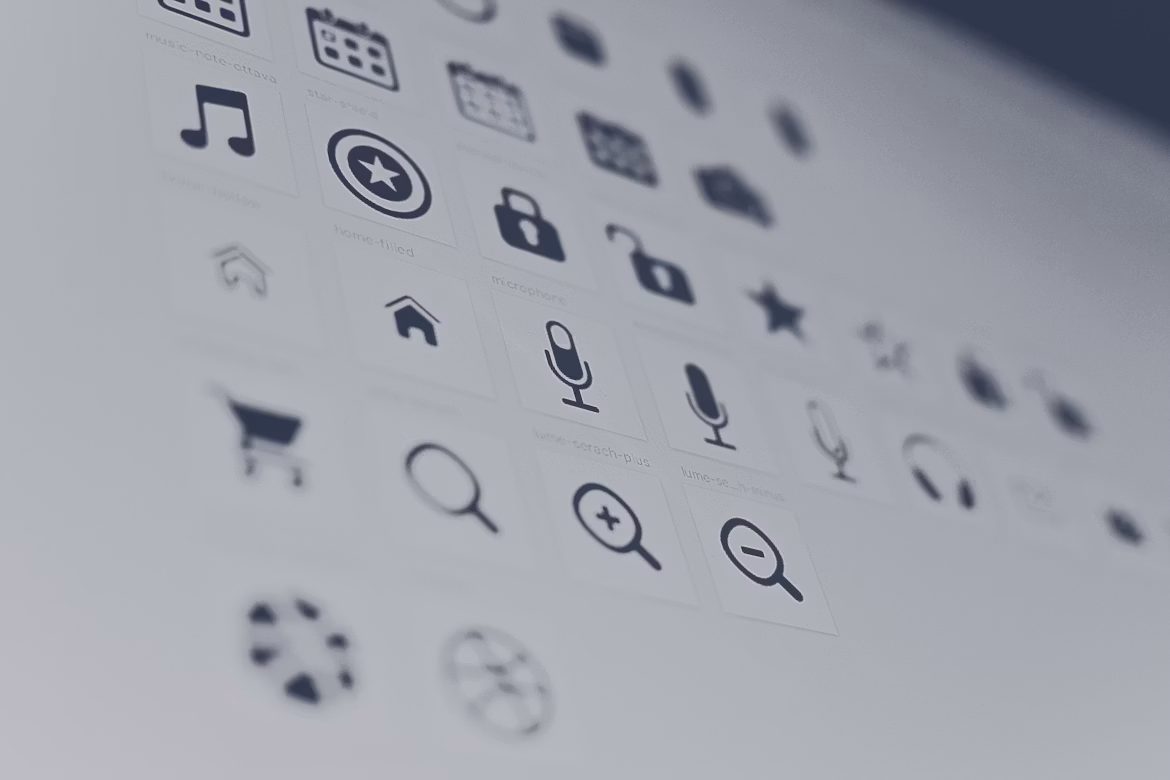
Icons help people understand websites faster. A shopping cart instantly signals ecommerce. A magnifying glass suggests search. A phone icon indicates contact information. These familiar visual cues reduce the amount of reading users need to do. SVG icons make these interface elements even better because they are lightweight enough to appear instantly. Fast-loading navigation helps visitors:
Well-designed SVG icons make websites feel easier to use without drawing attention to themselves.
Traditional image files often require editing software every time you want to change a color or size. SVG icons can typically be styled directly using CSS. This means developers can easily swap icon colors, resize icons, add hover effects, match colors with brands, or even animate icons without the need to swap files. This flexibility helps to speed up development time. When a business decides to change its branding or marketing campaigns seasonally, it is easier to make such changes with SVG icons.
Accessibility has become an essential part of modern web design. SVG icons can include descriptive labels that help screen readers explain their purpose to visually impaired users. When implemented correctly, accessible SVG icons improve navigation for everyone. Developers can also add meaningful titles, include ARIA labels, or hide decorative icons from screen readers. Small improvements like these create a more inclusive browsing experience.
Each image on a web page normally needs a separate request by the browser. If you have a number of separate icon files that you load individually, those requests can add up. SVG icons have various methods for minimizing this overhead. A lot of sites employ SVG sprites: several icons are located within a single file. The browser fetches the sprite once and can use single icons as and when required.
Some developers even include SVG code into HTML without having to make any more requests for files to be loaded. The fewer the requests, the faster the rendering, the more responsive the page, and the better the performance with slower networks. The savings may be negligible for a single icon, of course. But when they are used throughout a website, they gain in importance.
Modern websites increasingly use subtle animations to guide visitors through the interface. SVG icons work particularly well for this. Individual shapes and paths can be animated using CSS or JavaScript. Since SVG animations rely on vectors instead of large image sequences, they often perform more efficiently than GIFs or video-based alternatives. The result is a polished interface that feels modern without sacrificing speed.
SVG icons might seem like a minor design detail. Their effect is not just on looks, though. They help the website load quickly, look crisp on all screens, be easily maintained, and become more accessible and pleasant-to-use from the moment a visitor first hits the site. One of the simplest performance tweaks you can make for a new website or an existing website is to replace the icons with SVG images. They are lightweight, flexible, and future-proof.