
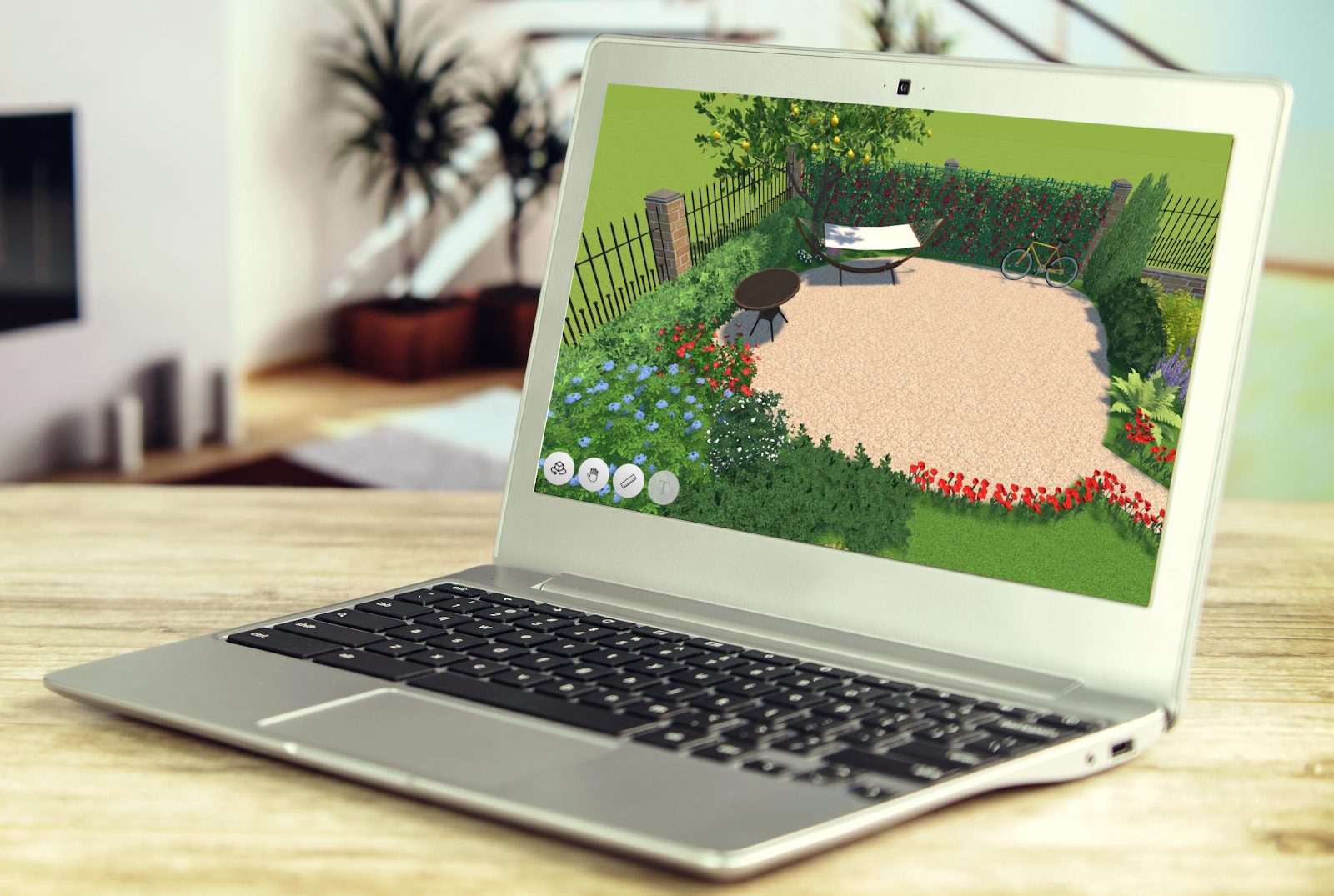
Designing your yard does not have to be hard or expensive. With the right landscape design software, you can plan everything before moving a single stone. Whether you are a homeowner, hobby gardener, or professional designer, there are great tools available for Windows 10 users. Below, you will find beginner-friendly and more advanced programs. Each one has its own strengths and limits. Let’s take a closer look.
GardenBox 3D is beginner-friendly landscape design software. This software lets you plan your outdoor space in both 2D and 3D. You can switch between views at any time while working on your project. This makes it easier to understand how your garden will actually look. What makes GardenBox 3D stand out is the Time of Day feature – you can see your project at different times of day with different lighting conditions. There’s even a Walkthrough mode that lets you digitally walk around your designed plot.
Plus, GardenBox 3D has built-in collections of furniture, plants, buildings, and other 3D models. So, you don’t have to upload models yourself – just browse through the collections and pick what you like. You can change the size, position, color, and texture of the objects. Besides, the garden planner comes with a free trial so you can see it in practice before making any decisions.
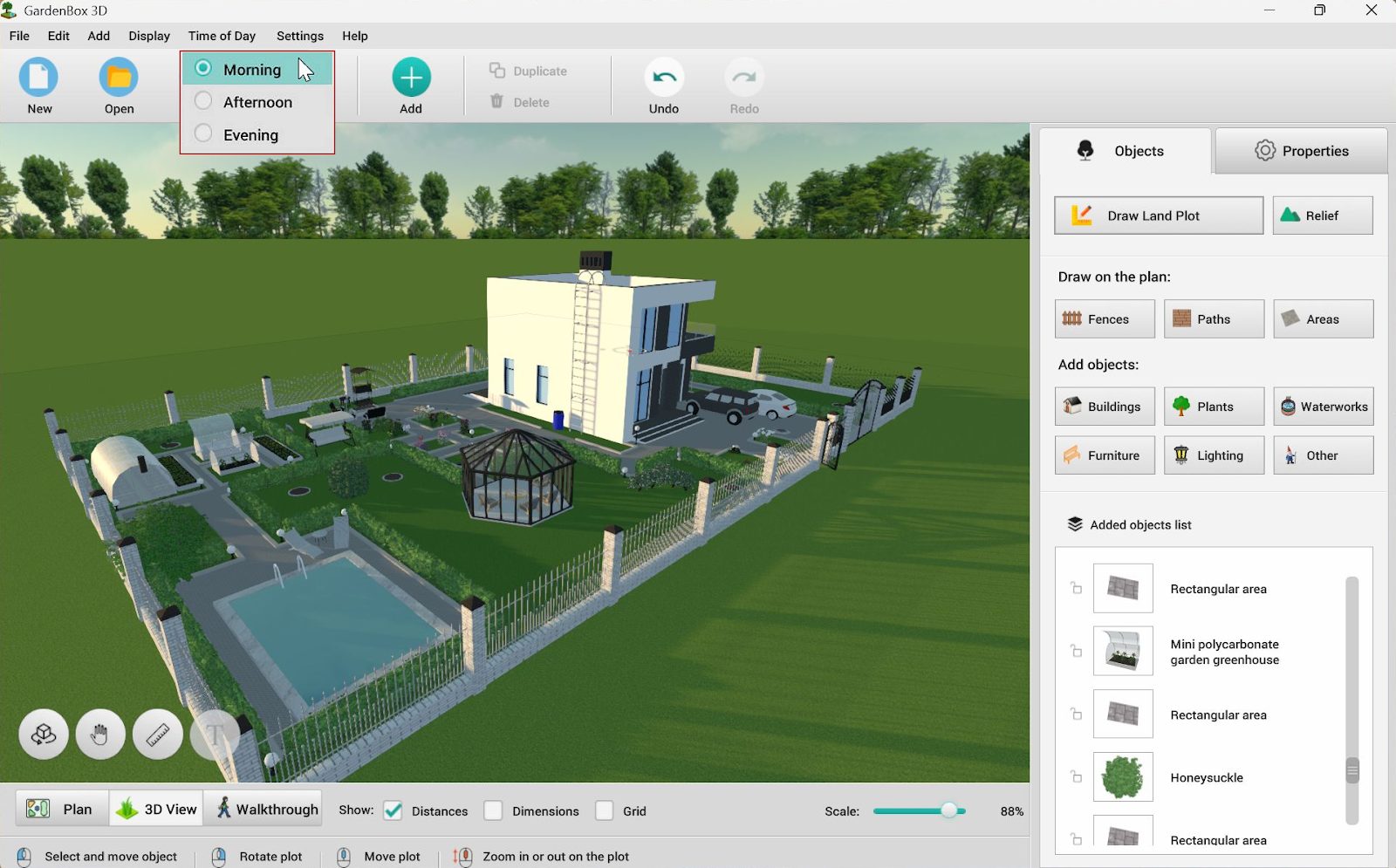
Time of Day viewing feature
300+ furnishing items
Huge plants library
Realistic rendering
Suitable for any level of skill
Doesn’t have a web version yet
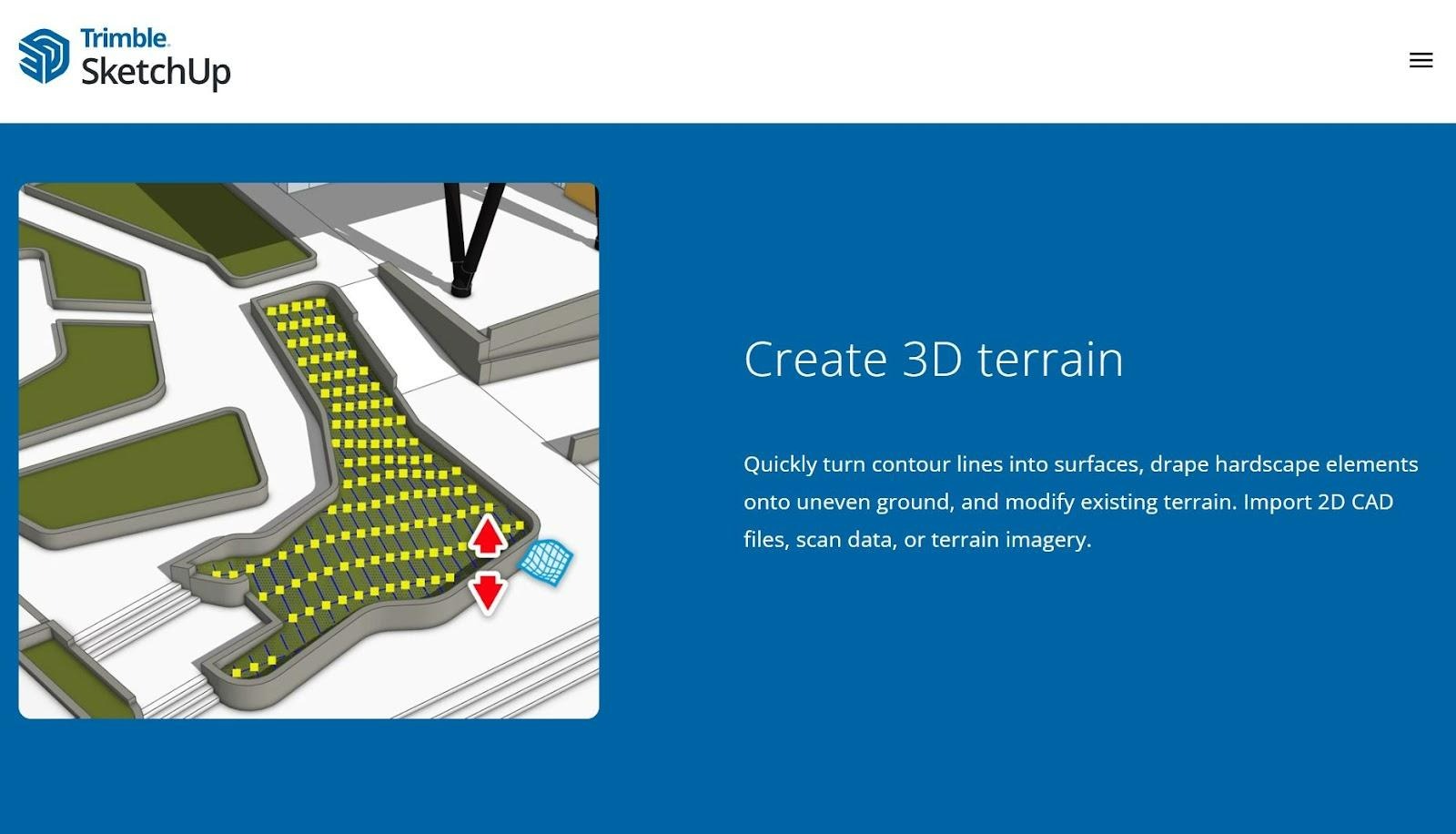
Sketch Up Free is another design program you can take a look at. It’s a web-based application that lets you design your space like a pro. This version of the software provides users with 10 GB storage space. With this tool, you can draw shapes, push and pull surfaces, and create custom structures. However, it requires an Internet connection and a paid subscription plan to get access to the desktop version of the software.
Works in your browser
Powerful 3D modeling tools
10 GB cloud storage
Requires internet connection
Desktop version is paid
Learning curve for beginners
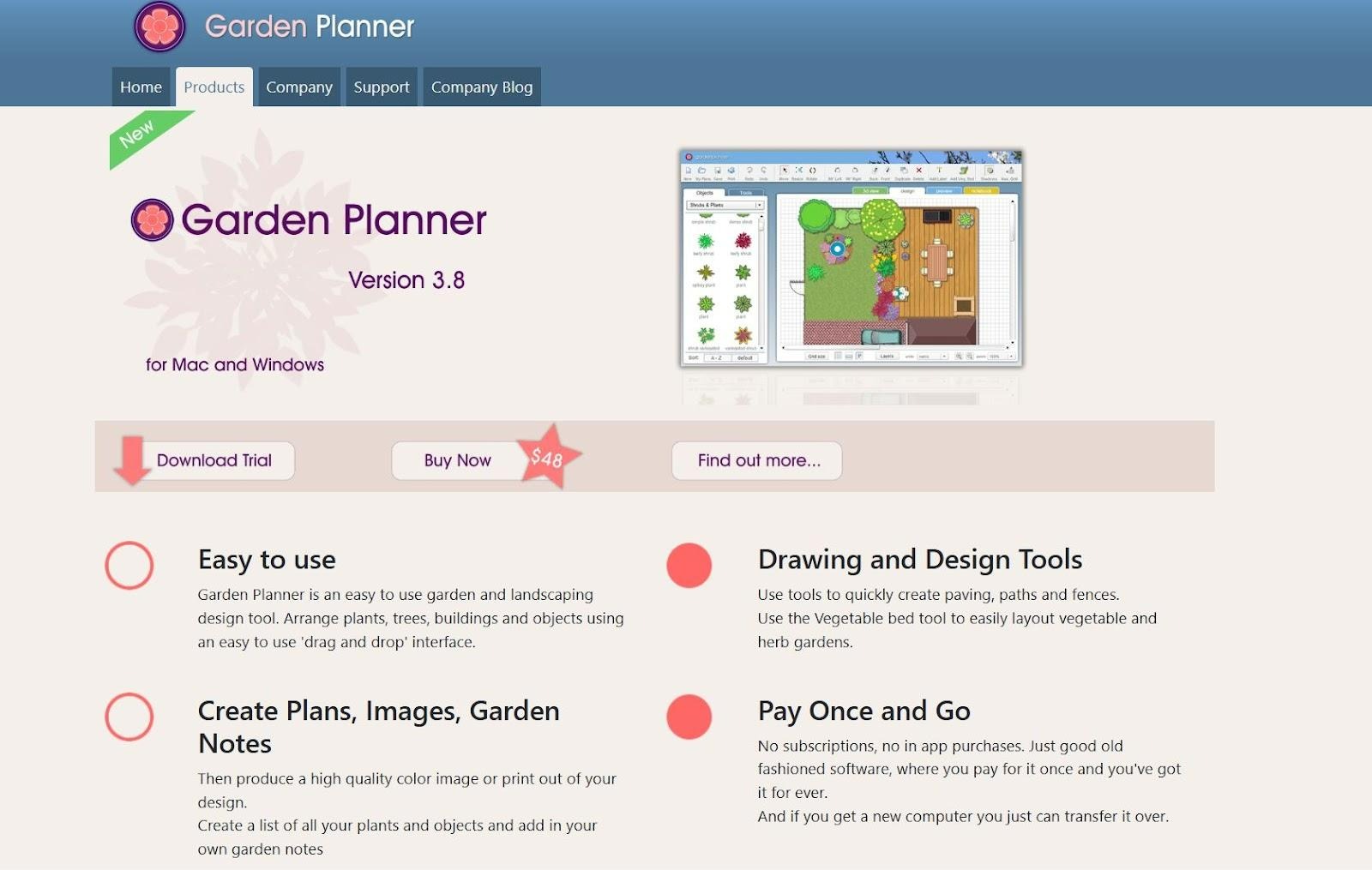
Garden Planner is designed mainly for homeowners and hobby gardeners. The interface is easy to understand, even if you have never used design programs before. This software offers over 1700 plant and object symbols. It also includes tools for adding fences, paths, lawns, and raised beds. But keep in mind that you can only design plots in 2D. The 3D mode allows you to preview the result but not plan your garden.
Good for small garden projects
Free trial available
Basic graphics
Fewer export options
To transform your garden into an inviting and functional space, you can utilize Sweet Home 3D. It’s mostly known for interior design. However, you can also use the program for outdoor planning. It allows you to create both 2D layouts and 3D previews. This helps you design patios, decks, and garden areas. Once your landscape design project is ready, you can export it to PDF, SVG, and OBJ formats. Also, this software is open source and free to use which makes it a good choice if you want a budget-friendly solution.
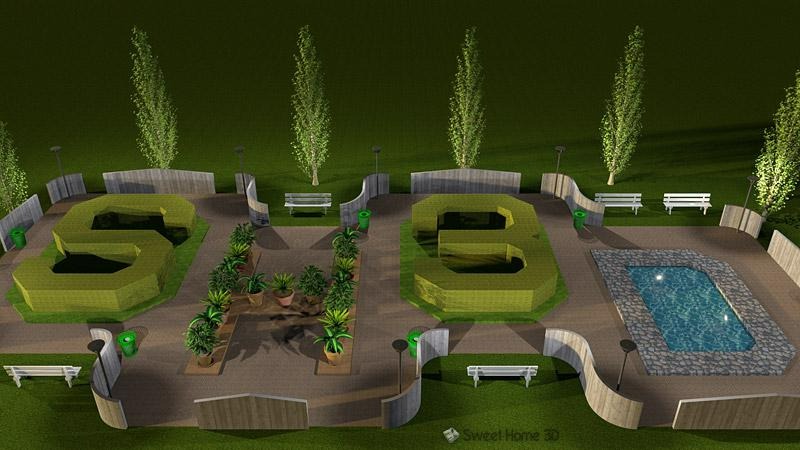
Good for planning patios and outdoor rooms
Open-source software
Multiple export formats
Fewer gardening tools
Another program for 2D planning and 3D rendering is Planner 5D. There’s a huge selection of materials and equipment for your projects. Here, you can customizable objects to your liking: change the color, width, and length of every object. However, some users complain mastering Planner 5D takes a lot of time and is overwhelming for non-experienced designers.
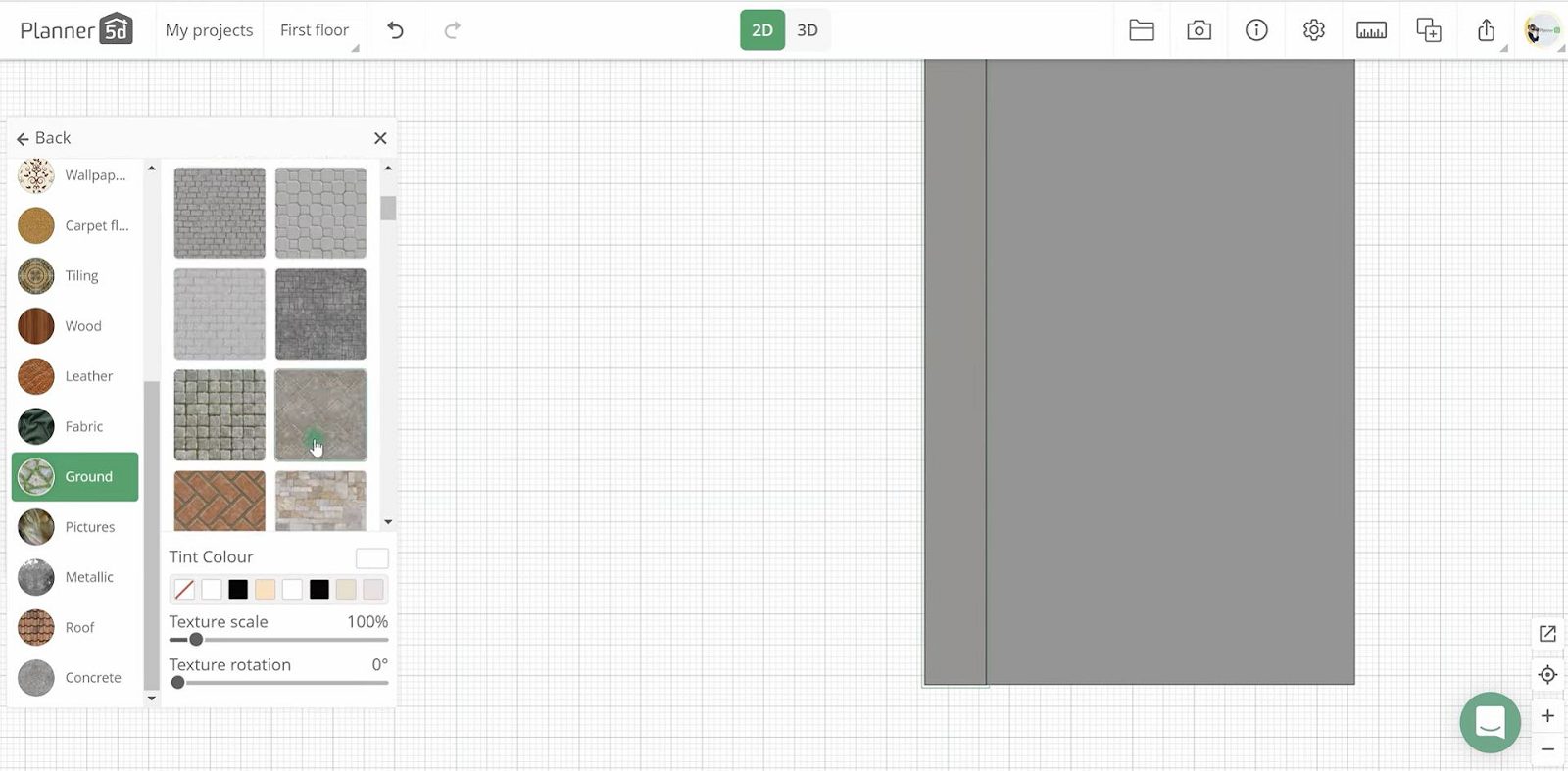
Customizable items
May run slower on low-end PCs
Steep learning curve
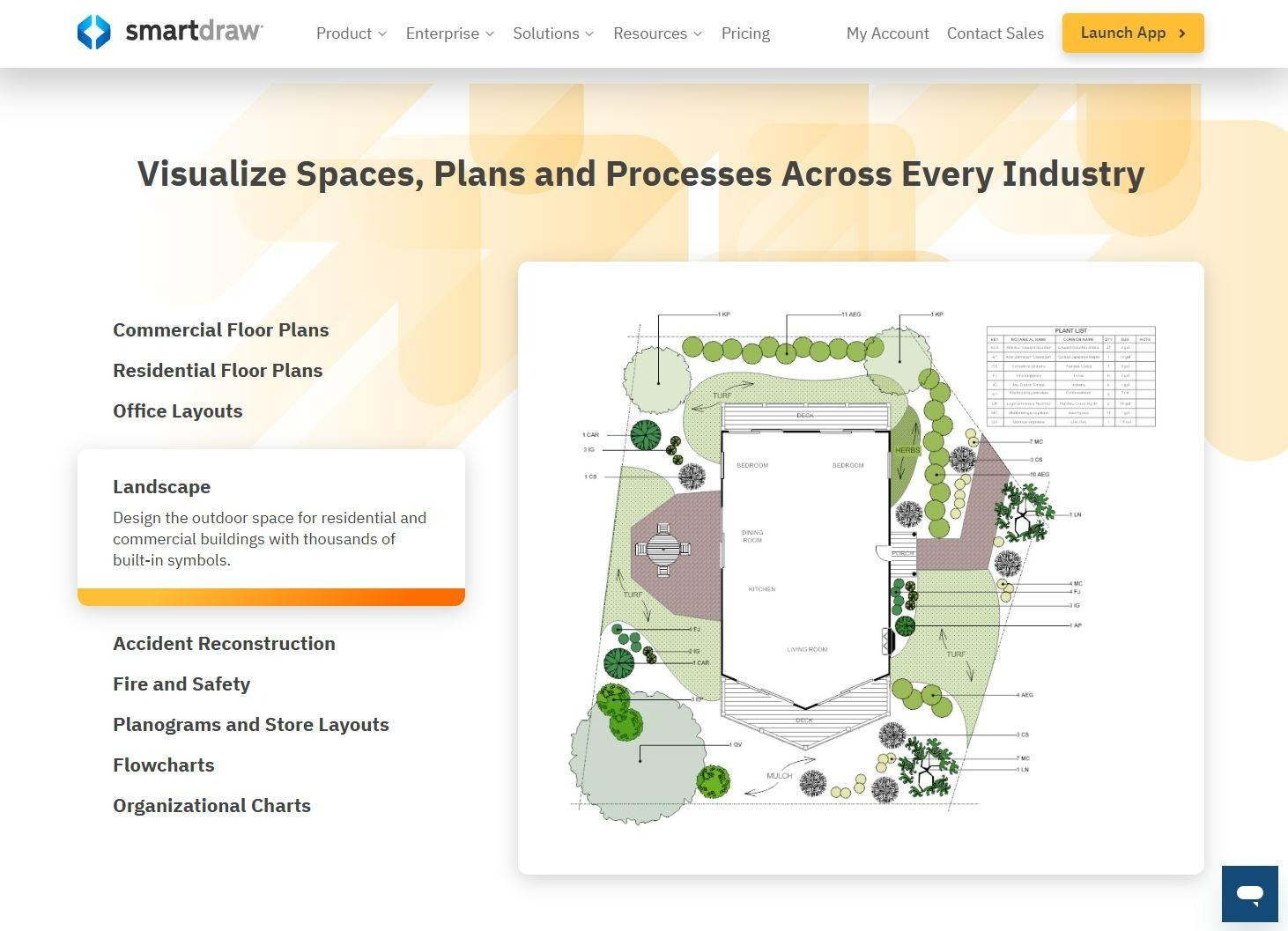
If you’re looking for a tool to draw floor plans, you can try SmartDraw. There is a range of templates for landscapes, gardens, and backyards that you might find useful. By the way, the AI technology helps you generate a list of plant recommendations based on local weather data, USDA zones, soil reports, and drought tolerance. This comes in handy when planning your landscape plot, especially if you’re an amateur gardener.
Easy drag-and-drop tools
AI plant recommendations
Less realistic 3D rendering
More suitable for commercial projects
Selecting the right landscape design software depends on your needs. First, think about your experience level. Beginners should look for simple interfaces and drag-and-drop tools. Professionals may need advanced 3D modeling features.
Next, consider whether you need 2D, 3D, or both. 2D is great for basic planning. 3D helps you see realistic results and understand space better. If lighting and shadows matter to you, choose software with time and light simulation.
You should also check the object library. A large collection of plants and furniture saves time. Some programs allow you to import extra models. This can be helpful for unique projects.
Budget is another important factor. Some programs are completely free. Others offer free trials but require payment later. Make sure you understand what features are included in the free version.
Finally, think about performance and system requirements. Some tools need a strong computer or constant internet connection. If you use Windows 10, check compatibility before downloading.
With the right software, planning your dream garden becomes simple and fun. Take your time, test free versions, and choose the tool that feels comfortable to use.
As you can see, there are lots of options to try. The best choice depends on your skills, goals, and budget. Start small, explore features, and enjoy designing your perfect outdoor space!











