A lot of users don’t leave a form because they changed their minds. They leave because something felt off.
Maybe the form asked for too much too soon. Maybe the error message was vague. Maybe the notification sounded alarming without explaining what happened next. Small design choices can make a site feel trustworthy or careless fast, and when people are sharing personal details or confirming account changes, that feeling matters.
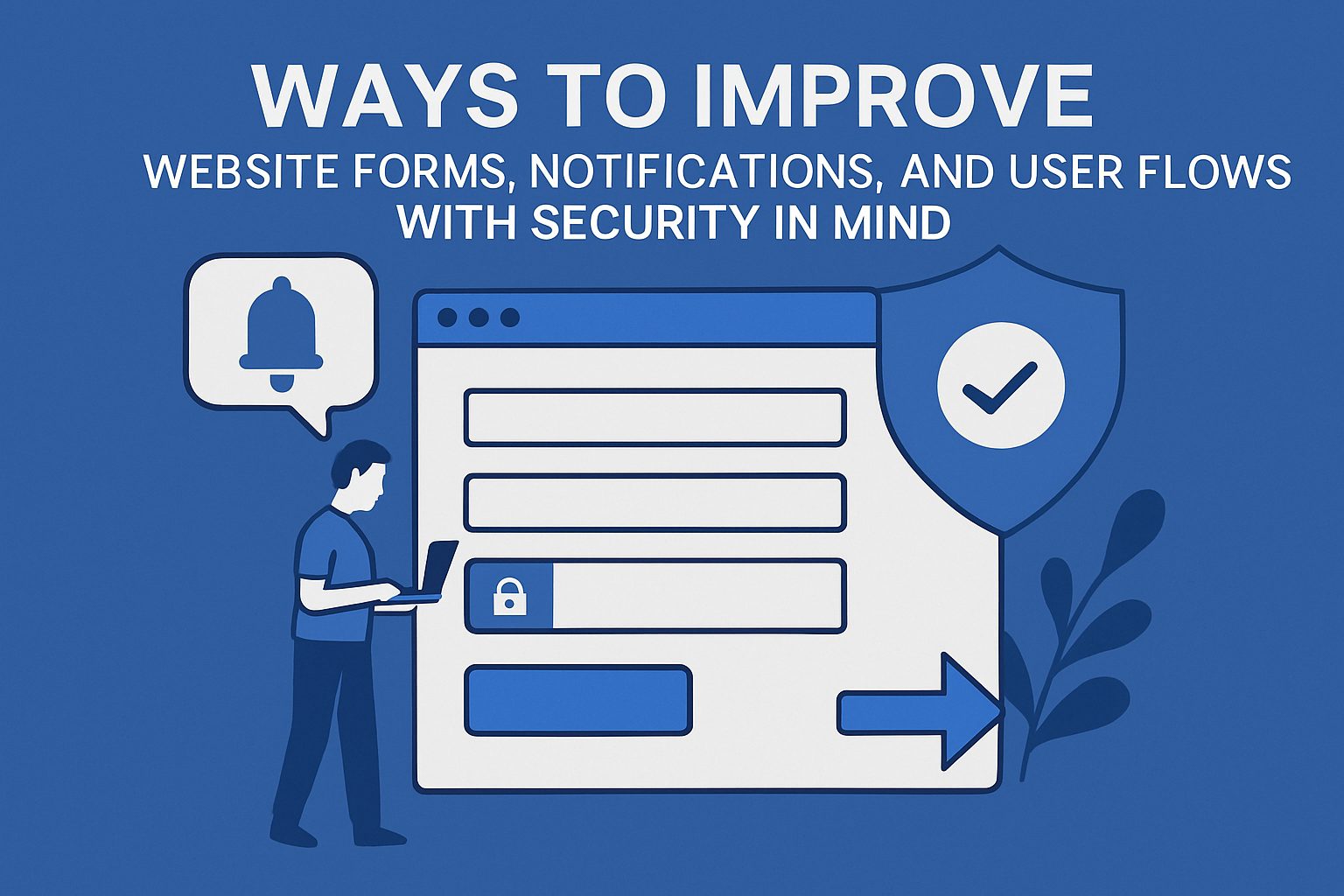
Security-minded design doesn’t have to feel cold or complicated. It often comes down to helping people understand what’s happening, what you need from them, and how to avoid mistakes. Here are a few helpful ways to improve forms, notifications, and user flows so people feel more confident using your site.
One of the fastest ways to make a form feel risky is to ask for too much information at the start. If a newsletter signup wants a phone number, company size, mailing address, and date of birth before a user has even seen the value of signing up, suspicion sets in quickly.
Keep the first step focused on what’s necessary to complete that action. If more information is useful later, ask for it later. This reduces hesitation and lowers the chance that users will enter fake details just to get through.
It also helps to explain why a sensitive field is needed. A short note under a phone number field or payment step can calm concerns before they turn into abandonment.
Nothing makes a form feel more frustrating than getting bounced back after clicking submit and being told something went wrong without clear direction. Good error design protects users from simple mistakes and helps them recover quickly.
That usually means showing feedback near the field, using plain language, and timing messages carefully. Good guidance around contact form design and implementation reinforces why users do better when sites point out issues at the right moment instead of dumping every problem on them at the end.
Instead of saying “Invalid entry,” tell people what to do next. “Use a valid business email” or “Enter your ZIP code in 5-digit format” is clearer, faster, and less annoying. It’s also smart to preserve what users already entered so one small mistake doesn’t force them to start over.
A user who finishes a form should never wonder whether it worked. That uncertainty leads to duplicate submissions, support emails, and dropped trust.
After an action, show a confirmation screen that states exactly what happened. If a form was submitted, say it was submitted. If a password was changed, say when it happened and what to do if that change wasn’t authorized. If a payment went through, summarize the amount and next step.
Notification design matters here too. Security-related messages should be noticeable, but they shouldn’t sound dramatic unless there’s a real reason for alarm. Too many vague warnings train people to ignore the messages that actually matter.
Not every important interaction ends on the screen. Some account changes, billing disputes, service cancellations, and compliance notices need a record beyond email.
That’s where it helps to think about the full user flow, not just the first form submission. If a process could lead to a legal, financial, or account ownership issue, your system should guide users toward a trackable next step. For businesses that send important follow-up documents or notices, Certified Mail Labels can fit naturally into that process when proof of mailing and delivery matters.
This kind of handoff helps when your website collects the request digitally but the next step needs stronger documentation. The user gets a clearer sense that the matter is being handled carefully.
People notice when a site uses soft, unclear language around things that affect their privacy or account access. “We may use your information to improve your experience” doesn’t answer much. Neither does a generic pop-up that asks users to approve a change without explaining what changed.
Clear copy builds trust faster than polished graphics. When users know what data is collected, why they’re getting a notification, or why an extra verification step appears, they’re less likely to assume the worst. The broader connection between customer data transparency and trust is worth paying attention to because users usually respond better when companies explain their intentions plainly.
This applies to consent boxes, login alerts, saved payment settings, and profile changes. Say what the action means in plain English. Don’t make users decode it.
Long forms often become less secure when they feel overwhelming. Users rush, skip details, or abandon the process halfway through. That creates bad data and more chances for mistakes that affect both the user and the business.
Breaking a longer flow into sections can help, especially when each step has a clear label and progress indicator. People are more likely to finish when they know where they are, how much is left, and what each section is for.
This also gives you a chance to place reminders where they matter most. For example, before a final submission, you might repeat a billing address, delivery destination, or account email so the user can confirm it before anything becomes harder to reverse.
A lot of websites treat notifications like a box to check. A banner appears, an email goes out, and the team moves on. But if the user doesn’t understand the message or what to do next, the notification hasn’t done its job.
The best notifications answer three questions right away: what happened, why it matters, and what the user should do now. That could mean reviewing a recent login, confirming a changed email address, or finishing identity verification.
It also helps to separate levels of urgency. A routine account update shouldn’t look like a fraud warning. When every message sounds equally serious, users start tuning them out.
Good security-minded design is often less about adding more warnings and more about removing confusion. If your forms are easier to complete, your notifications are easier to understand, and your user flows make next steps obvious, people are more likely to trust the process and finish it correctly. That’s better for security, better for usability, and better for the business behind the site.