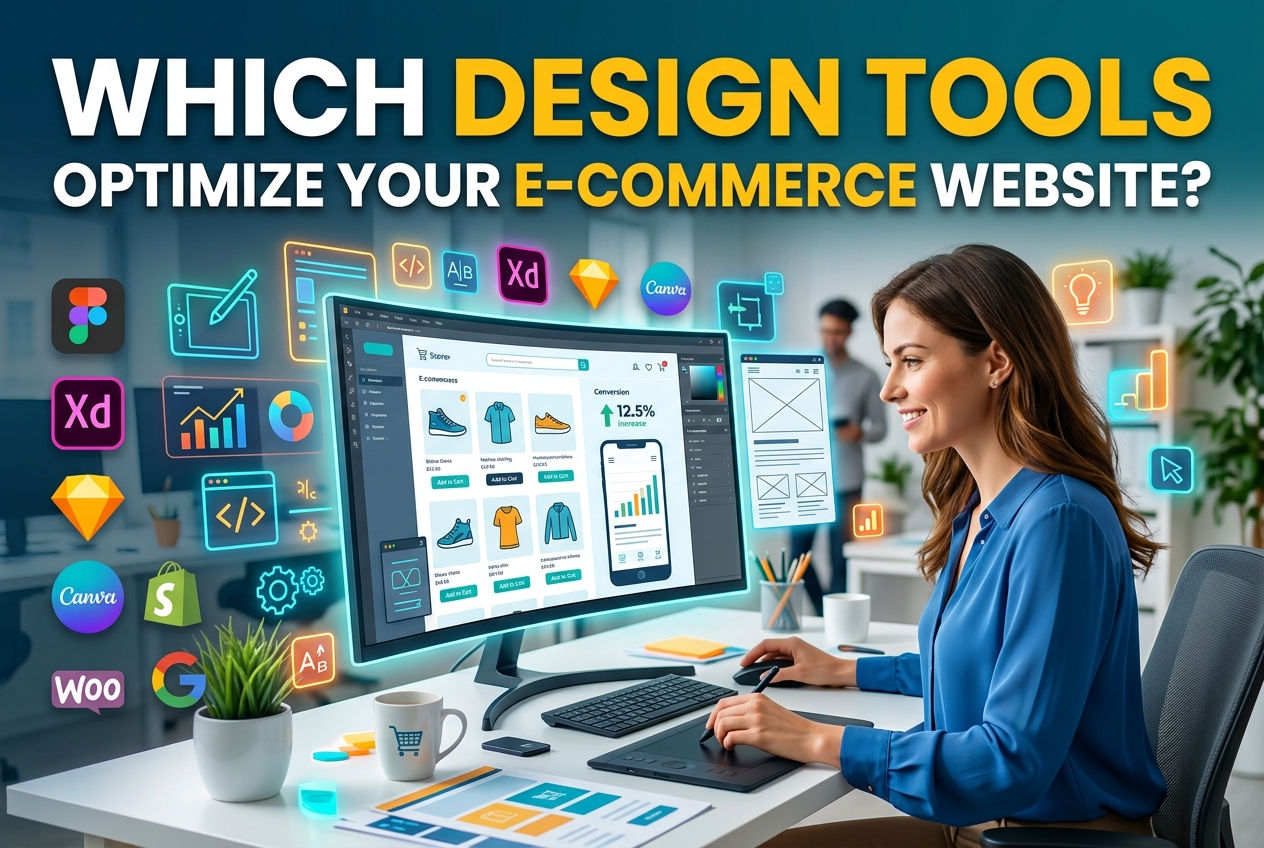
Running an online store in 2026 demands more than just listing products and hoping for sales. The visual presentation, the navigation flow, and the overall user experience that a digital storefront provides to its visitors directly influence, in ways that store owners cannot afford to ignore, whether those visitors will ultimately decide to become paying customers or simply leave the site without completing a purchase. Store owners struggle to identify which tools truly improve performance, aesthetics, and revenue. This guide covers the most important design tools and features for building a professional, high-converting store. Rather than attempting to cover every single tool currently available on the market, the focus here is on targeted, practical recommendations that directly address real pain points which merchants commonly encounter in their e-commerce design workflows.
Essential Design Tools Every E-Commerce Store Owner Should Know
Graphic Editors for Product Imagery and Branding
Product photography editing remains one of the most impactful areas where design software pays for itself. Tools like Adobe Photoshop and Affinity Photo allow store owners to retouch images, remove backgrounds, and create consistent visual branding across every listing. Canva has also matured into a capable option for creating banners, social media assets, and promotional graphics without requiring deep technical skill. The key is maintaining a uniform look: When product images vary wildly in lighting, cropping, or background color, it signals a lack of professionalism to shoppers. A disciplined approach to modern website design principles ensures that every visual element reinforces brand trust rather than undermining it.
Typography and Color Palette Selectors
Although choosing fonts and colors might seem like a secondary concern during the design process, these decisions play a critical role in shaping the first impressions that visitors form about a brand. Google Fonts is a dependable free resource, and tools like Coolors and Adobe Color help merchants create unified color palettes. A store selling artisan goods, for example, benefits from warm earth tones and serif typefaces, whereas a tech accessories shop performs better with clean sans-serif fonts and a cooler palette. A/B testing different combinations shows which pairings connect with a specific audience. These seemingly minor choices accumulate across every page, email, and ad a brand creates.
How Visual Prototyping and Wireframing Tools Shape the Shopping Experience
Mapping the Customer Journey Before Building
Figma and Sketch, which are widely recognized across the design industry, have become standard tools for prototyping e-commerce layouts, allowing designers and store owners to visualize, test, and refine their page structures before anyone on the team writes a single line of code. Wireframing the landing-page-to-checkout path helps store owners spot friction points early. Will a shopper require three clicks or seven to finish a purchase? Is the cart icon visible on every screen? Prototyping provides answers to these questions within a safe, low-risk setting. Adobe XD also enables interactive prototype sharing, allowing stakeholders and testers to click through a simulated store and give feedback. Investing sufficient time in this prototyping phase prevents expensive redesigns that would otherwise arise after launch, while also ensuring that the final product remains tightly aligned with what customers actually expect from their shopping experience.
Responsive Design Testing Across Devices
More than 60 percent of e-commerce traffic now comes from mobile devices, making responsive testing non-negotiable. Browser developer tools offer basic viewport simulation, but dedicated platforms like BrowserStack provide real-device testing across hundreds of phone and tablet models. A product grid that looks balanced on a desktop monitor can collapse awkwardly on a smaller screen, hiding the add-to-cart button or distorting images. Prototyping tools with built-in responsive preview modes help designers catch these issues during the layout phase. Merchants who skip this step often discover usability problems only after losing sales, making early testing far more cost-effective. For those who want a broader understanding of widely used graphic design applications, educational platforms provide useful overviews of the software categories available.
Streamlining Your Workflow with an Integrated E-Commerce Website Builder
Not every store owner has the budget or expertise to assemble a custom tech stack from scratch. An ecommerce website builder that bundles design templates, hosting, and payment processing into a single platform can dramatically reduce setup time. These platforms typically include drag-and-drop editors, pre-built product page layouts, and mobile-responsive themes that eliminate the need for separate prototyping tools. When evaluating builders, merchants should look for flexibility in customizing header sections, product galleries, and checkout flows. Among the providers worth comparing in this space, IONOS appears alongside several other options that cater to different store sizes and technical comfort levels. The right builder depends heavily on catalog size, target market, and how much control the store owner wants over design details.
Five Design Features That Directly Impact Conversion Rates
Certain design elements, which can be tested and refined through careful analysis, have a measurable and often significant effect on whether visitors who browse a site ultimately decide to complete a purchase. Here are five specific design elements that consistently prove their value across a wide range of online stores, regardless of the industry or target audience they serve:
Most modern page builders or lightweight plugins can handle all of these features. Placement is the key factor for effectiveness. A trust badge hidden in the footer has nearly no impact compared to one placed right next to the checkout button. Testing placement through heatmap tools like Hotjar reveals exactly where shoppers direct their attention and click on a page, which gives store owners actionable data they can use to guide every single adjustment they make.
Choosing the Right Tool Stack for Your Online Store’s Unique Needs
There is no single perfect combination of design tools. A solo entrepreneur selling handmade jewelry has different requirements than a mid-size retailer managing thousands of SKUs. The former might thrive with Canva for graphics, a hosted website builder for the storefront, and a free analytics dashboard. The latter probably needs Figma for custom prototyping, a dedicated DAM (digital asset management) system, and advanced A/B testing software. Budget plays a role, but so does the time available to learn new software. A powerful tool that sits unused because of a steep learning curve provides zero return. Start with the biggest bottleneck in your current workflow. If product images look inconsistent, invest in a photo editor and batch processing workflow first. If customers abandon carts at checkout, focus on UX prototyping and checkout redesign. For those looking for creative inspiration alongside practical resources, browsing collections like free printable design templates for July 2026 can spark fresh layout ideas that translate to storefront aesthetics. Prioritizing improvements based on measurable impact keeps spending focused and results tangible.
Building a Store That Sells Through Smarter Design Choices
Selecting the right design tools, which can often feel overwhelming given the sheer number of options available to merchants today, is not about chasing the latest trends or accumulating subscriptions that may go unused, but rather about making deliberate choices that address specific needs. It is about carefully identifying the specific points in your store where customers drop off or lose interest, and then applying targeted visual and functional improvements that address those weak areas, so that each change you make is purposeful and directly tied to a real problem rather than based on guesswork or assumption. Begin with clear images, prototype layouts, test on real devices, and measure results with data. The tools available today exist specifically to make each of these important steps accessible and manageable even to merchants who do not have any formal design background or technical training. What truly separates thriving stores from stagnant ones is rarely the ecommerce platform itself, which may offer similar features across competitors, but rather the deliberate, carefully informed decisions that merchants make, on a consistent basis, about how that platform is configured, customized, and ultimately used to serve their customers.
─────────────────────────────────────────────────────────────────────