
Artificial Intelligence continually improves user experience, and the speed of development by automating tasks in web design. AI tools augment the ability of businesses and designers in creating modern, responsive, and high-performing websites. One of the top AI design tools is the AI UI generator, that allows designers to do advanced things like build interfaces.
Here, we will examine the top 8 AI tools for web design, and we will give you an overview of the strengths of each by detailing their major features.
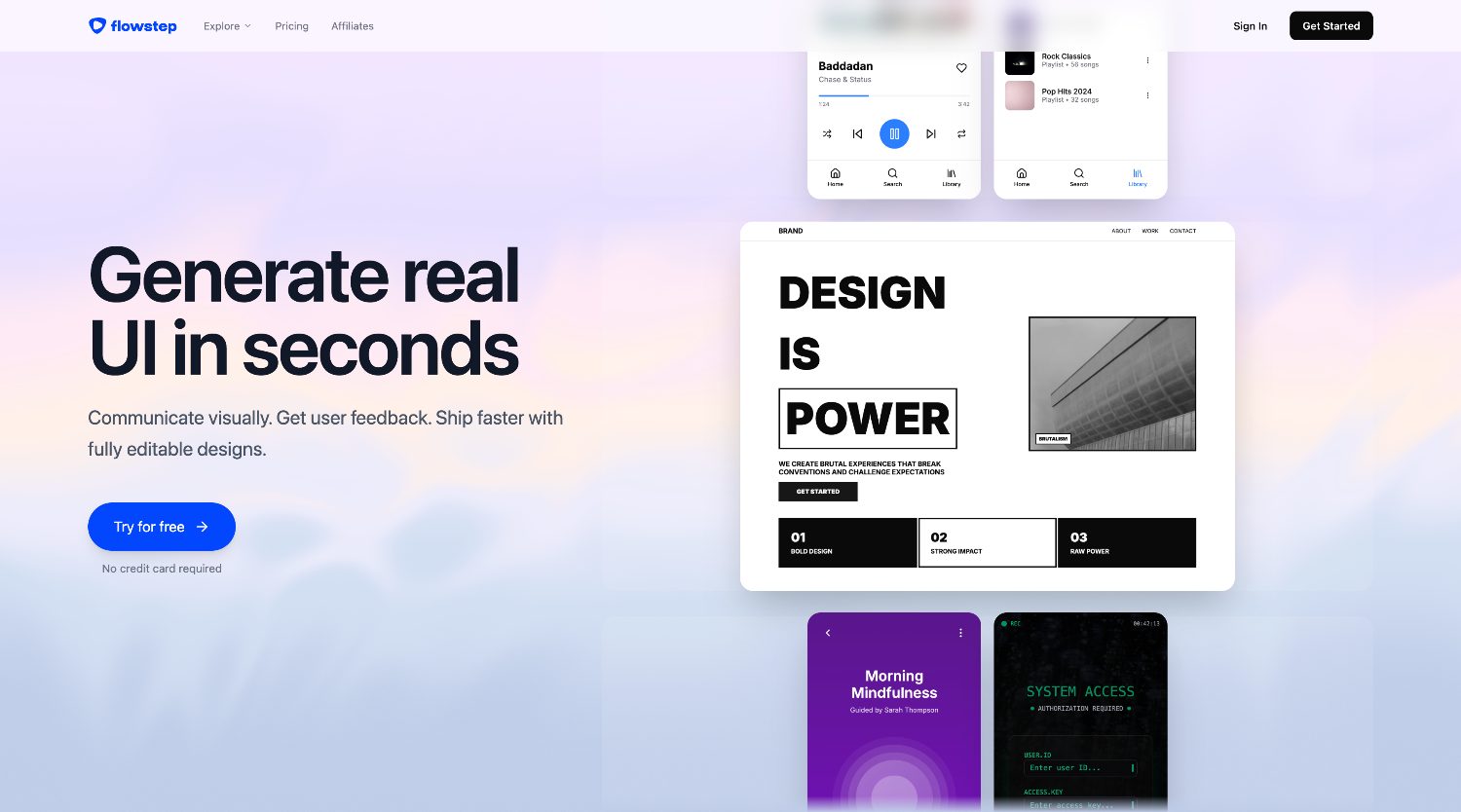
Flowstep is a modern AI-powered UI design tool. Flowstep creates a simple, intuitive UI which takes the difficulty out of the design process. Flowstep users can generate beautiful UI and clean code from text prompts.
Key features:
Flowstep is ideal for designers, developers, and product managers that want to speed up production without sacrificing quality.
Framer AI can take commands from a simple text prompt and generate a finished, professional looking website.
Key features:
Designed for beginners and small businesses, Wix ADI (Artificial Design Intelligence) is among the most popular choices for AI website builders.
Key features:
By emphasizing the importance of color choice in designs, Khroma can make even more striking graphics with shades and hues.
Key features:
A great ideation tool, Galileo AI generates modern UI designs based on simple text descriptions.
Key features:
Designs.ai provides AI-driven branding and web design creative tools.
Key highlights:
Uizard is an AI design platform that provides the ability to create a working design from an idea digitally. Uizard is well known for its drag and drop editor and built in collaborative features, which makes work for teams
Key features:
Designed with AI for speed and simplicity, Durable is an AI website builder best for small businesses and quick launches.
Key features:
Though these tools are aimed at automation, the tools help improve efficiency and augment designers’ creativity by allowing them to test different ideas, creation of more detailed designs, and emphasis on design more than on tasks with minimal or no brain engagement, as opposed to other tools in the automating design space.
Some of the benefits of these tools for web design are:
Your design needs will determine which web design AI tools to purchase. In a design-centered choice, consider Framer AI and Flowstep. However, if rapid ideation or prototyping is a priority for you, then consider Uizard.
The introduction of AI is democratizing web design, offering tools to novices at one end and seasoned design pros at the other. Each tool focuses on easing a certain pain in the web design process, like rapid prototyping, bridging design and full website generation.
Flowstep also focuses on design process efficiency and can help build higher quality design assets. In the coming years, these tools enhanced by ever improving AI will help businesses build even higher quality web properties in an even lower timeframe.











