

For online stores, product image quality carries more weight than almost anything else on the page. In Etsy’s official buyer survey, 90% of shoppers said image quality is “extremely important” or “very important” to their purchase decisions. UX research firm Baymard Institute likewise found that for 56% of consumers, the very first thing they do on a product page is explore the images — before the title, before the description. Photos don’t just display a product; they are how buyers judge it.
The impact on sales is measurable. Research on eBay listings shows that products photographed from multiple angles can see sales lifts of up to 58%, across every category. For apparel, jewelry, and accessories, Baymard explicitly recommends on-model photos, and consumer research from Splashlight backs that up: more than half of US shoppers (51.7%) say a photo of the product worn by a model makes them more likely to buy. In other words, the same garment shown as a quick flat-lay snapshot versus a clean on-model image can convert at completely different rates.
Getting high-quality model photos used to mean hiring models, renting a studio, and paying for retouching — a slow, complicated, expensive pipeline. Over the past two years, AI product photography tools have rewritten that workflow: upload a single photo taken on your phone, and within minutes you can generate ready-to-list white-background images, lifestyle scenes, on-model photos, ghost mannequin shots, and even a short product video. For small sellers on tight budgets — and for designers producing visuals for e-commerce clients — that is a genuine cost and time saver.
This guide walks through 10 AI product image and video tools that are actually worth using in 2026, organized by what they do best. For each one you’ll find its strengths, its limitations, and who it fits, so you can pick the right tool quickly and skip the trial-and-error.
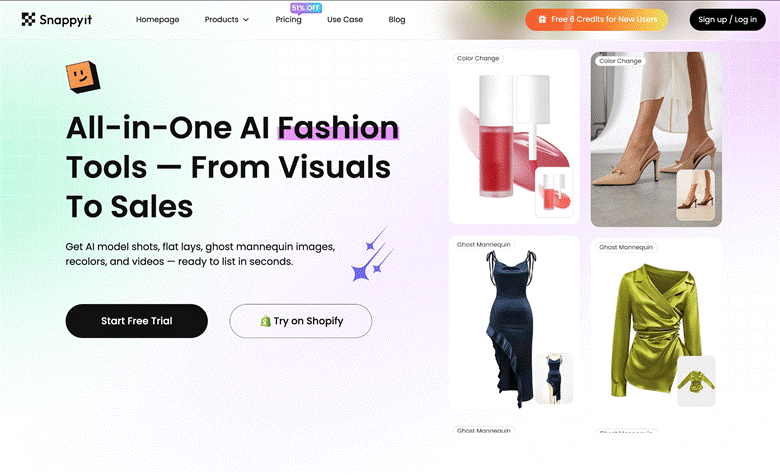
Snappyit is an all-in-one AI visual tool built specifically for fashion and jewelry e-commerce — the only specialist on this list that focuses on clothing and jewelry alone. The place where AI-generated product images usually fall apart is the model and the background: stiff expressions and blurry backdrops make a photo read as fake at a glance. Snappyit has been tuned repeatedly for apparel, so its on-model results look more natural, with lighter AI artifacts and a feel much closer to a real photo shoot — which is exactly what separates it from general-purpose tools.
Upload one flat-lay or hanger shot, and it generates on-model photos, ghost mannequin images, clean flat lays, and short product videos. Batch processing is built in, so a drop of several dozen SKUs can be turned into a full set of listing assets quickly. For clothing sellers without a model or studio budget, it is the most painless path from “one photo” to “a complete, ready-to-list image set.”
Best for: clothing and jewelry sellers who want natural-looking product photos and short videos without the “AI look.”
Keep in mind: its core strength is fashion; for hard goods, food, and similar categories, pair it with the general-purpose tools below.
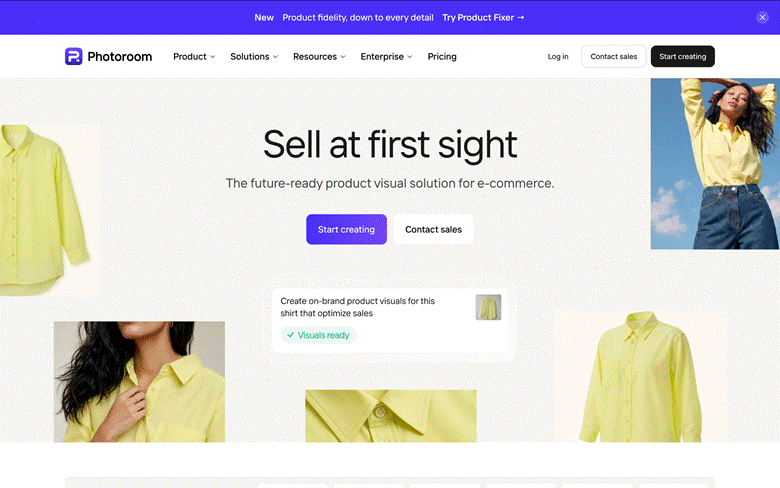
Photoroom is a long-established AI background removal and image editing tool with batch processing, one-click background swaps, and smart shadows, wrapped in a very smooth app experience. For stores with lots of SKUs that need white-background images and consistent scene shots, it is genuinely fast.
Best for: high-SKU stores that need white-background or templated scene images in bulk.
Keep in mind: it is a general-purpose editor first; on-model generation for apparel is a newer feature, and fashion-specific realism and batch consistency are not as stable as the specialist tools.
Pebblely excels at placing products into polished, atmospheric backgrounds — marble countertops, wooden tables, outdoor settings, holiday scenes, and more. Give it a few reference shots and it will produce a whole set of product images in a consistent style, which makes it a great fit for categories that sell on “mood.”
Best for: lifestyle scene images for home goods, beauty, accessories, and small items.
Keep in mind: it is built around backgrounds and scenes; model features are limited and show heavier AI artifacts.

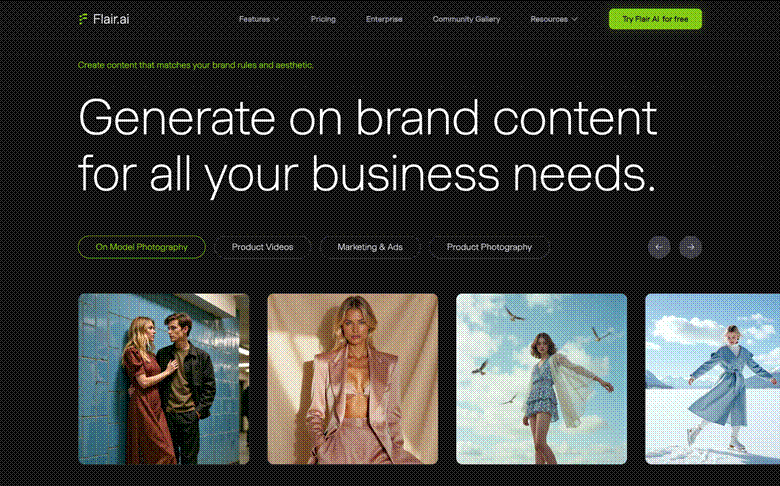
Flair.ai targets brand teams and specializes in highly controllable AI product still-life shots. You can stage props precisely, adjust lighting, and control composition, so the output gets close to professional ad-campaign quality — a good match when visual polish is non-negotiable.
Best for: brand teams that demand tight control and ad-grade visuals.
Keep in mind: it is a more professional tool, with a steeper learning curve than one-click apps.
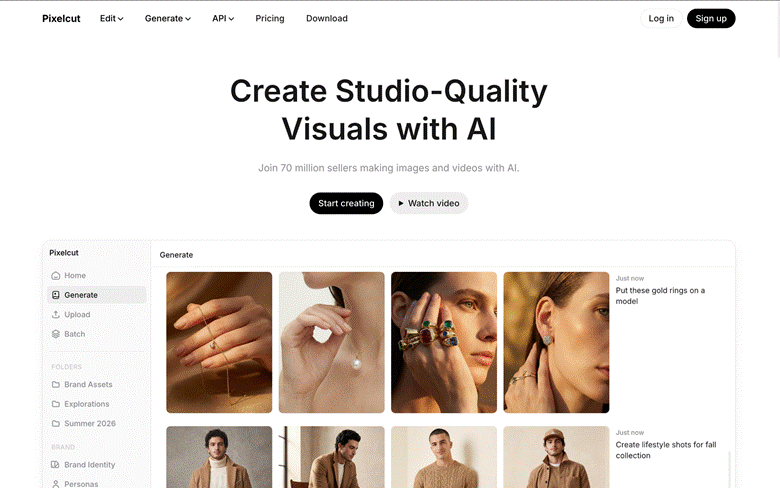
Pixelcut bundles background removal, image upscaling, and batch processing into a single mobile-friendly app. Solo sellers can handle day-to-day product images entirely from a phone without bouncing between multiple tools.
Best for: individual sellers who want product photos done quickly on a phone.
Keep in mind: it is positioned as a lightweight mobile all-rounder; professional fashion on-model imagery is not its main strength.
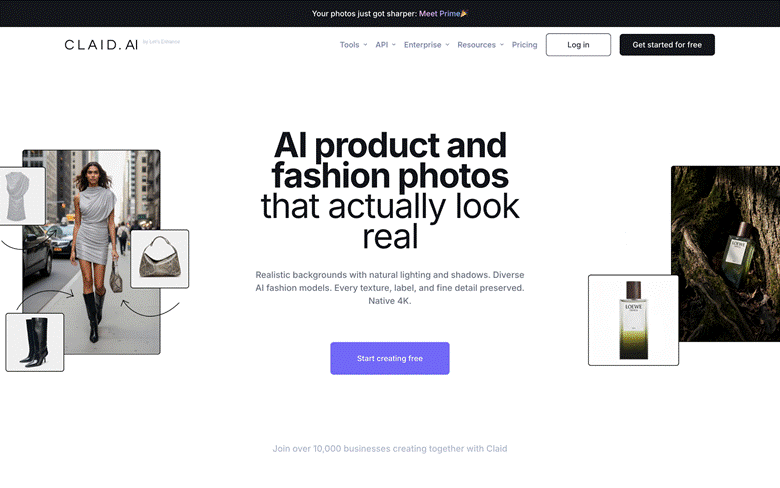
Claid.ai is an e-commerce-focused AI image suite: it batch-enhances image quality and normalizes sizes and styles, and it also offers AI Photoshoot, AI model images, background generation, and image-to-video. Its standout capability is developer integration — a full API designed for plugging into your own systems at scale.
Best for: marketplaces and teams that process images at volume and want API access.
Keep in mind: it leans toward API and team workflows; solo sellers will find one-click tools more direct.
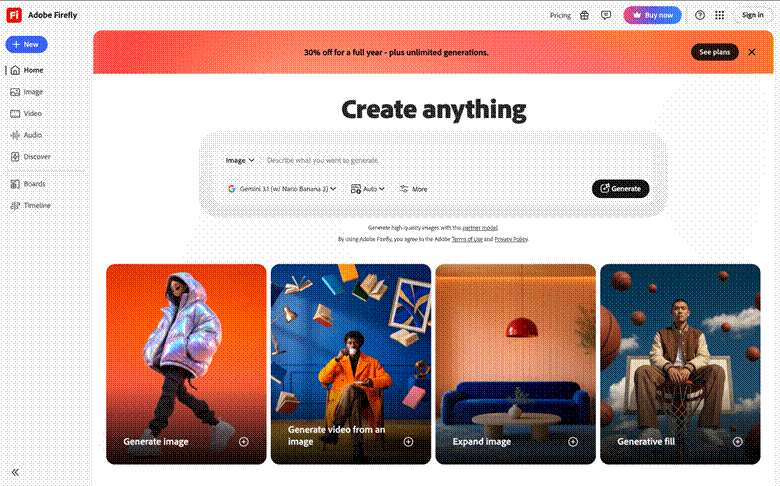
A staple of the design industry, Adobe Firefly — together with Generative Fill in Photoshop — can generate images from text, extend a canvas intelligently, and replace or remove backgrounds and objects. It is not an e-commerce-specific tool, but it wins on control and slots seamlessly into professional design workflows, making it a natural choice for designers already living in the Adobe ecosystem.
Best for: designers with an existing Adobe workflow who need flexible retouching and creative generation.
Keep in mind: as a general creative tool it has no e-commerce or on-model apparel templates, and it assumes some design experience.
Creati.studio also centers on AI on-model images and background generation, with a comparatively wide library of model looks and styles. That variety makes it handy for sellers who need multiple visual directions for ad testing.
Best for: clothing sellers who want multiple — even bold — model styles for A/B tests.
Keep in mind: realism depends heavily on your source image; start from a clear, well-lit flat lay.

CreatorKit focuses on turning product images into short, social-ready video ads. With built-in templates, transitions, and music, you can produce a TikTok- or Reels-ready selling video in minutes.
Best for: sellers who need a steady stream of TikTok / Reels product videos, fast.
Keep in mind: it is template-driven, so creative freedom is narrower than general video tools.

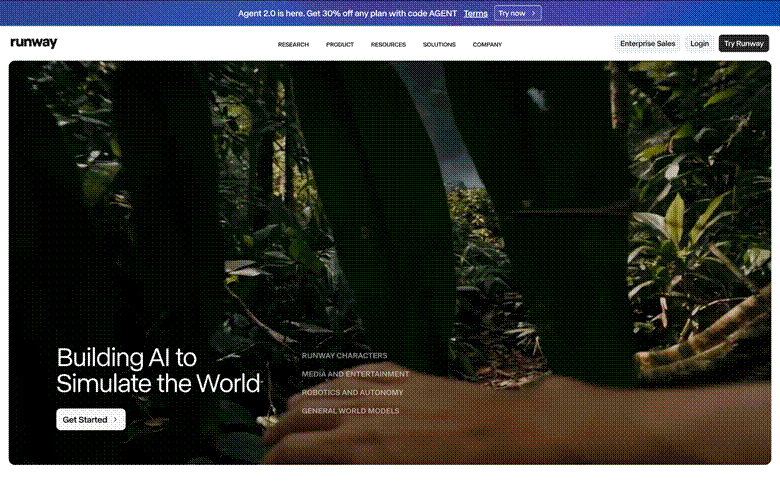
Runway is a general-purpose AI video tool that leans consumer-friendly: it generates short videos with camera movement from an image or a text prompt, with a very high ceiling for creativity. It suits product videos that call for a cinematic feel and custom camera moves (Pika and Kling are comparable alternatives).
Best for: cinematic product videos with custom camera work.
Keep in mind: it is a general tool rather than e-commerce-specific, and expects a little prompt-writing skill.
Match the tool to the images and videos your store actually needs:
| Tool | Core Use | Best For |
| Snappyit | On-model photos + professional product images + video + batch generation | Fashion / apparel e-commerce |
| Photoroom | Batch background removal + AI images + video (all-rounder) | High-SKU stores |
| Pebblely | AI lifestyle scene images | Home / beauty / accessories |
| Flair.ai | Brand-level product staging | Brand teams |
| Pixelcut | Mobile all-in-one (images + video) | Individual sellers |
| Claid.ai | Image enhancement + AI generation + API | Platforms / high volume |
| Adobe Firefly | General AI image generation / editing | Designers / general use |
| Creati.studio | AI models / outfit swaps | Clothing sellers |
| CreatorKit | AI product video ads | Social selling |
| Runway | Image-to-video | Creative short videos |
Yes. Output quality from the mainstream tools is now good enough for product pages, social posts, and paid ads. It is still worth having someone review each image to confirm it faithfully represents the product’s color and fit — over-beautified photos lead to returns.
AI-generated virtual models generally avoid the likeness-rights issues that come with using photos of real people without permission — in that sense they are the safer option. As long as the product itself is represented truthfully, sellers rarely run into problems.
Most are “upload and go” one-click tools that require no design background. General video tools like Runway take a bit of prompt-writing practice, but tutorials are plentiful.
Great model photos and product images are no longer the preserve of big brands. Start by deciding what your store actually needs — white-background images, on-model photos, or short videos — then trial one or two tools that match. For fashion and jewelry sellers, Snappyit covers on-model photos and short videos in one place and is the lowest-effort choice; the other tools each have their own lane, so mix and match by category and budget. Pick the right tool, and your product images become a real competitive edge.











