Best ai subtitle generators in 2025 best ai subtitle generators in 2025

AI subtitle generators have become essential tools for content creators, businesses, and educators. These tools not only save time but also ensure accessibility and global reach by offering accurate subtitles for videos. In 2025, AI-powered subtitle generators are more advanced than ever, providing automatic transcription, multiple language support, and seamless editing features. Below is a curated list of the best AI subtitle generators, each offering unique features and benefits.


1. InVideo

Invideo image

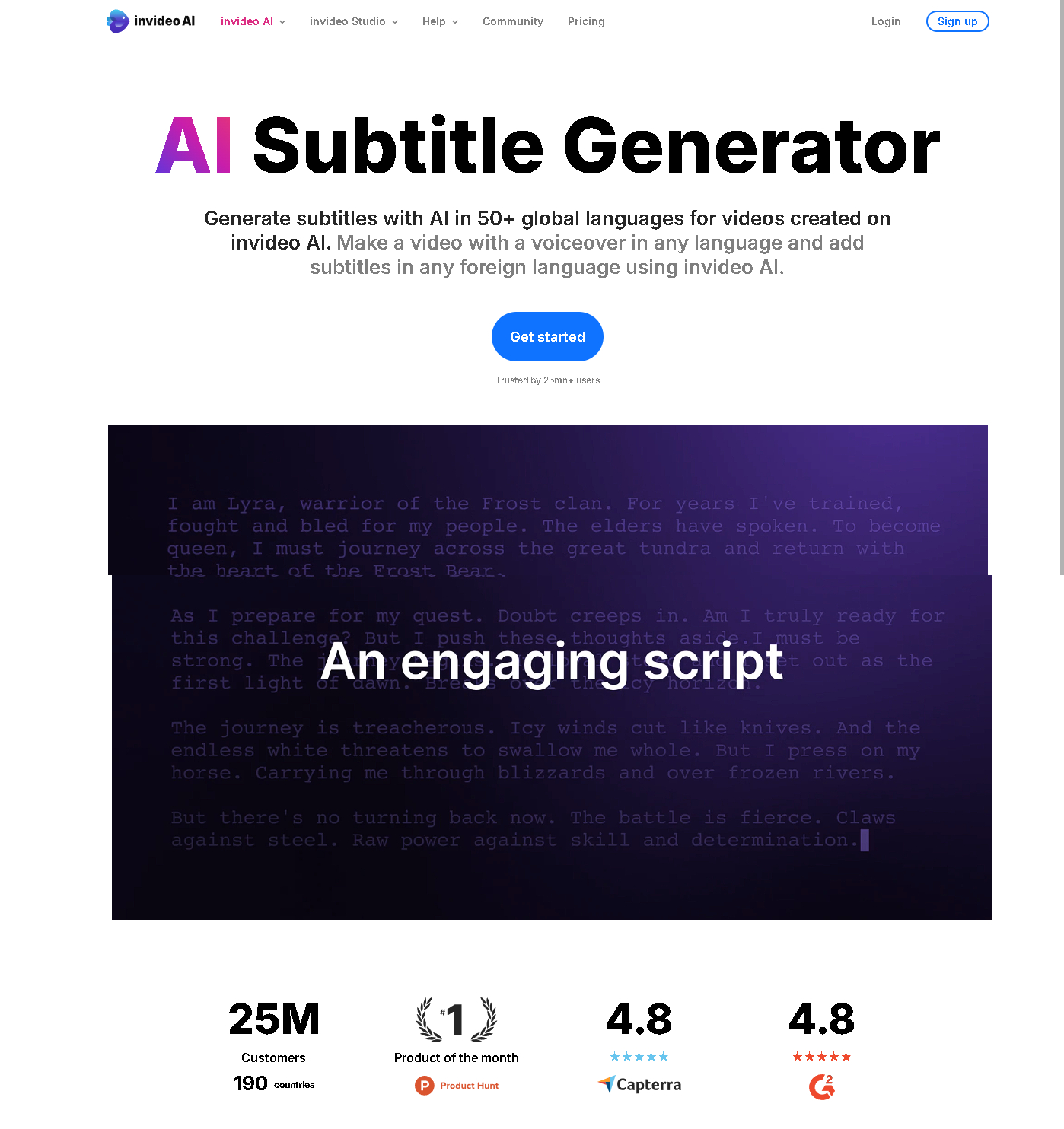
InVideo’s AI subtitle generator is a user-friendly platform designed to streamline the subtitling process. It offers accurate transcription, customizable subtitle styles, and seamless integration into video projects.
Invideo image

Pros:

  • Intuitive interface suitable for beginners.
  • Supports multiple languages.
  • Easy customization for subtitle appearance.

Cons:

  • Free version includes watermarks.
  • Advanced features require a subscription.

2. Kapwing

Kapwing image

Kapwing is a versatile platform offering an AI-powered subtitle generator. It’s ideal for creating subtitles for social media content and supports automatic transcription and editing.

Kapwing image

Pros:

  • Simple drag-and-drop editor.
  • Automatic syncing of subtitles with audio.
  • Free tier with decent features.

Cons:

  • Watermarks on videos in the free plan.
  • Limited advanced options for professional users.

3. Maestra

Maestra image

Maestra is designed for professionals, providing robust AI transcription and subtitling tools. It supports multiple file formats and offers high-quality, multilingual subtitles.

Maestra image

Pros:

  • Excellent accuracy in transcription.
  • Batch processing for large projects.
  • Multilingual subtitle generation.

Cons:

  • Higher pricing for premium features.
  • Interface may seem complex for new users.

4. Animaker

Animaker image

Animaker’s subtitle generator is an excellent tool for creating engaging and visually appealing subtitles. It’s perfect for explainer videos and social media content.

Animaker image

Pros:

  • Customizable subtitle animations.
  • User-friendly interface for beginners.
  • Integration with video creation tools.

Cons:

  • Limited language options in the free plan.
  • Export quality depends on the subscription tier.

5. Simplified

Simplified image

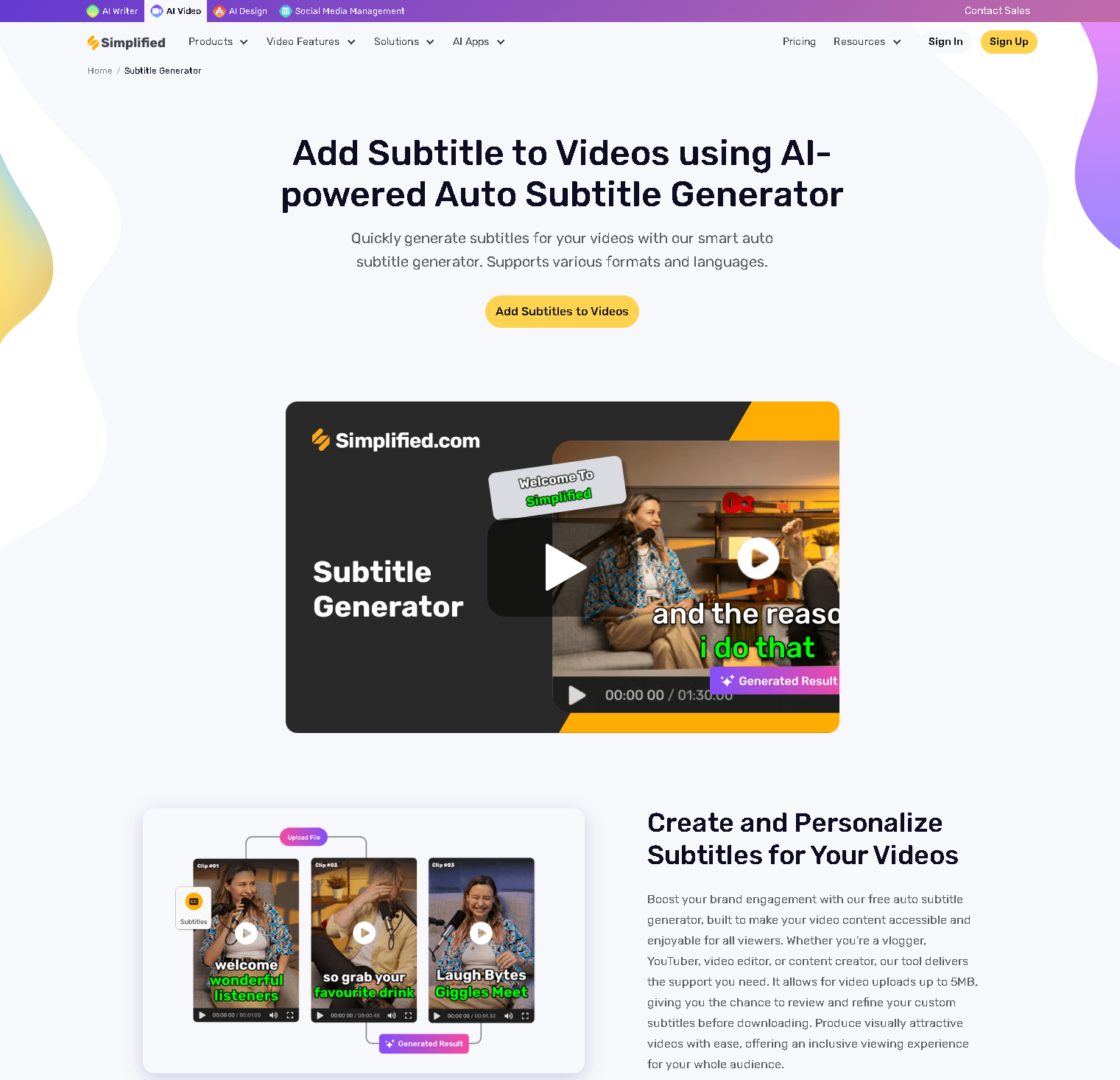
Simplified’s subtitle generator lives up to its name, offering a hassle-free way to add subtitles to videos. Its AI ensures fast and accurate transcriptions.
Simplified image

Pros:

  • Quick subtitle generation.
  • Built-in video editing features.
  • Free plan available with basic options.

Cons:

  • Limited advanced features in the free tier.
  • Fewer customization options compared to others.

6. Dubverse

Dubverse image

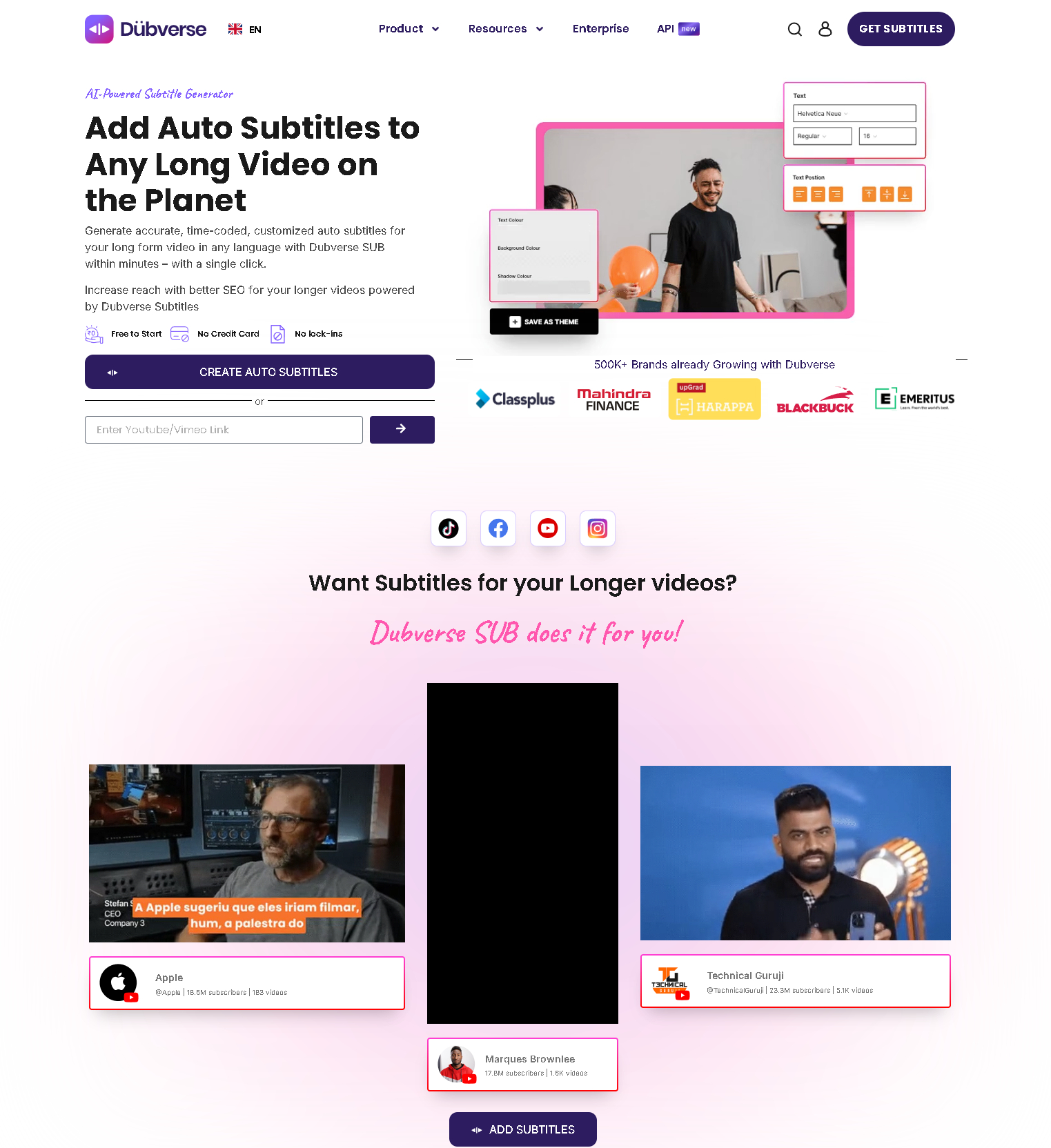
Dubverse is a specialized AI platform that provides both subtitle generation and dubbing. It’s ideal for creators looking to expand their reach to global audiences.
Dubverse image

Pros:

  • Accurate AI-generated subtitles.
  • Supports dubbing for multilingual content.
  • Advanced AI ensures natural transcription.

Cons:

  • Primarily focused on business users.
  • Advanced features require a subscription.

7. Flixier

Flixier image

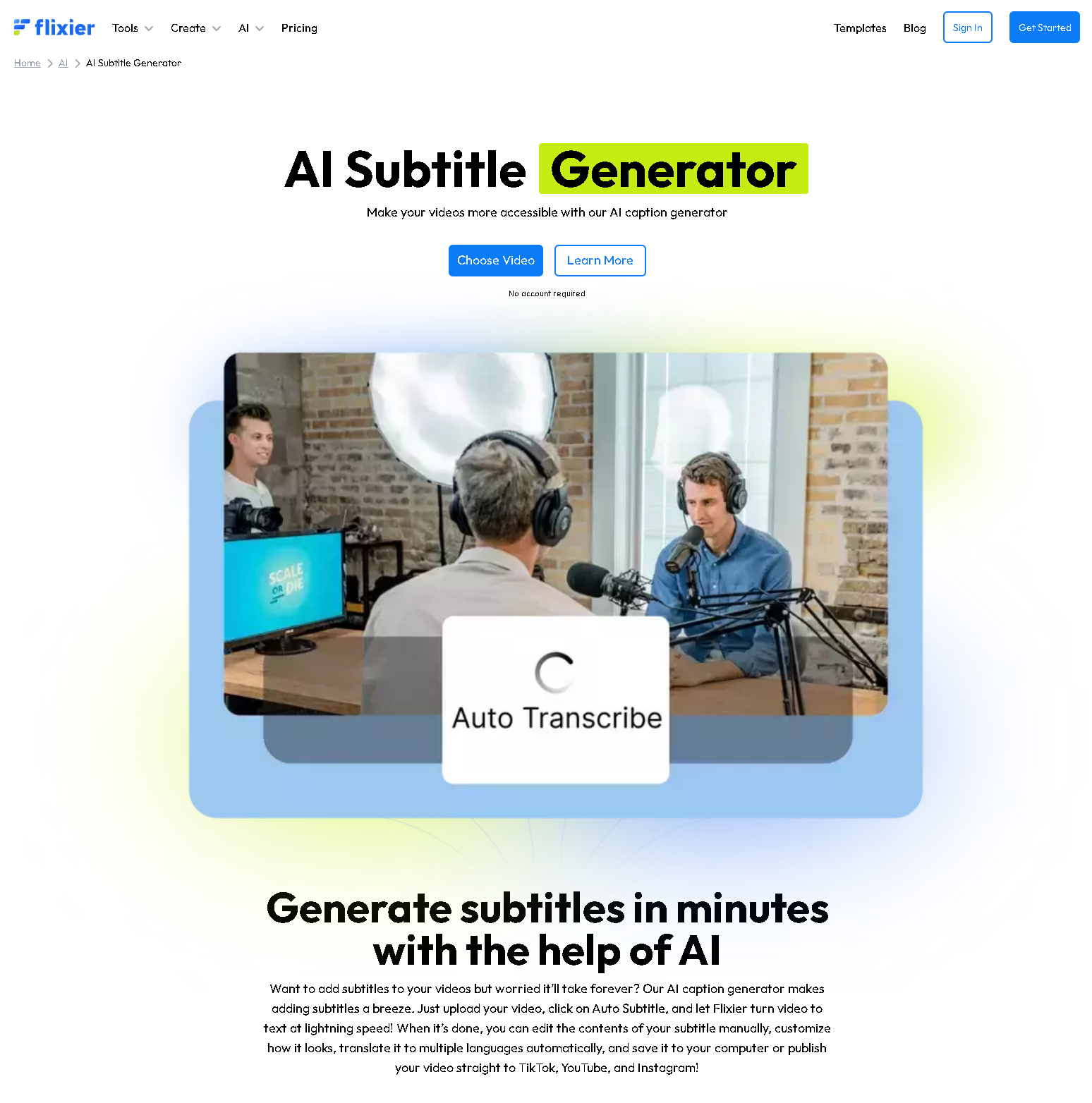
Flixier offers an efficient AI subtitle generator that focuses on speed and accuracy. It’s particularly popular among content creators for its real-time processing capabilities.
Flixier image

Pros:

  • Real-time subtitle generation.
  • Easy export in various formats.
  • Perfect for quick projects.

Cons:

  • Limited customization options.
  • Free plan has restrictions on exports.

8. ZapCap

Zapcap zapcap logo

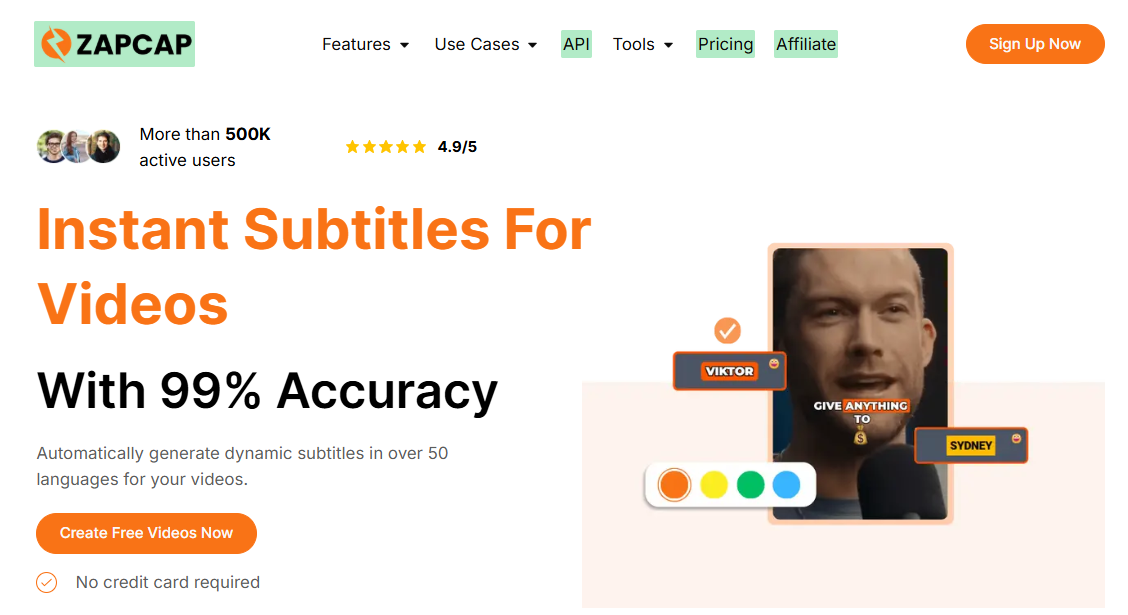
ZapCap is a fast-growing AI subtitle generator built for content creators, marketers, and businesses looking to create engaging short-form videos. The platform automatically generates accurate captions in 90+ languages and offers dynamic subtitle styles inspired by popular social media creators. In addition to subtitles, ZapCap includes AI-powered editing tools such as auto B-rolls, transitions, filler-word removal, and SEO-friendly video descriptions, making it a versatile option for modern video workflows.
Hero section promoting zapcap instant subtitles for videos with a right side illustration of a video frame and subtitle elements Zapcap screenshot

Pros:

  • Highly accurate AI-generated subtitles with multilingual support.
  • Dynamic and customizable caption templates designed for social media engagement.
  • Includes extra AI video editing tools like auto B-rolls, transitions, and filler-word removal.
  • A browser-based platform that works across desktop and mobile devices without installation.
  • Free plan available for beginners and casual creators.

Cons:

  • Advanced editing and export features require a premium subscription.
  • Some professional users may prefer deeper manual editing controls.
  • Performance and export flexibility may vary depending on video length and project complexity.
Best ai subtitle generators in 2025 add a heading 20

AI Tools


Pinterest