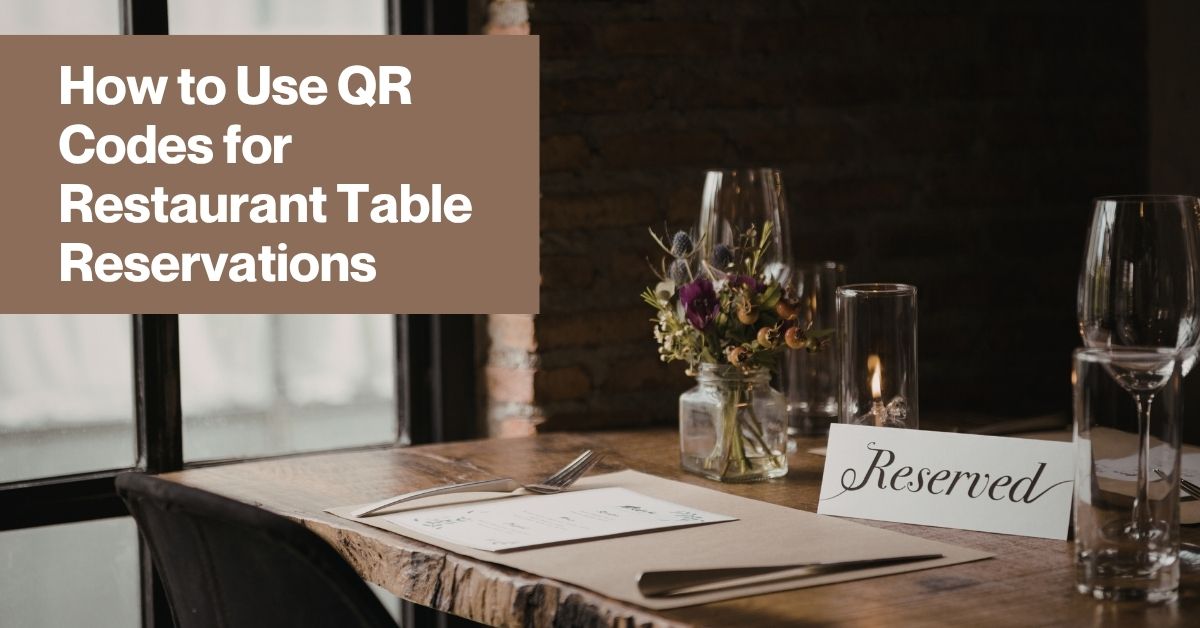
Walking up to a hostess stand and waiting to find out whether a table is available has always carried a small amount of uncertainty. Phone reservations help, but they require someone to actually answer the call during a busy service, and online booking widgets often live buried somewhere on a website that guests have to search for first. QR codes give restaurants a faster, more direct path between a guest’s intention to book a table and an actual confirmed reservation.
Setting this up well requires thinking about where guests will actually encounter the code and what happens after they scan it. Here is how to do it properly.
The appeal of a QR code for reservations comes down to the same principle that makes QR codes useful everywhere else: removing steps between intention and action. A guest walking past your restaurant, looking at a sign in the window, or holding a card handed to them by a host can scan a code and land directly on a reservation page without needing to search for your restaurant online or navigate through several pages of a website to find the booking section.
This matters most in moments where a potential guest’s interest is at its peak and immediate. Someone walking by your restaurant at dinner time, deciding in the moment whether to make plans to come back, is far more likely to follow through if booking takes ten seconds rather than requiring them to remember to search for your restaurant later that evening.
Step 1: Identify or build your reservation booking page. This might be a dedicated reservation platform you already use, a booking widget embedded on your website, or a simple form that routes requests to your host stand. Whatever the destination, make sure it is mobile-optimized, since every guest scanning the code will be viewing it on a phone.
Step 2: Decide where the code will be most useful. Common placements include the restaurant’s front window for passersby considering a future visit, table cards for guests who want to book their next visit before leaving, business cards handed out by staff, and printed materials like menus or takeout bags that guests take home with them.
Step 3: Choose a platform that supports dynamic QR codes. Reservation systems change more often than restaurants expect. You might switch booking platforms, update your reservation page, or want to redirect the code temporarily during a special event with its own dedicated booking flow. A dynamic code lets you make these changes without replacing any printed materials already in circulation.
Step 4: Generate the code using the URL or link code type, pointing directly to your reservation page. Avoid linking to your general homepage if a dedicated reservation page exists, since sending guests through an extra navigation step undoes much of the friction reduction that makes QR codes useful in the first place.
Step 5: Customize the code design to match your restaurant’s branding. A code that incorporates your colors and logo feels intentional and fits naturally into your overall visual presentation, whether that is window signage, a printed card, or a table tent.
Step 6: Test the booking flow from scan to confirmation. Walk through the entire process yourself on a phone, confirming the page loads quickly, the booking form is easy to complete on a small screen, and you receive a clear confirmation once a reservation is submitted.
Step 7: Place the code prominently with a clear, brief prompt. A code with no context relies entirely on a guest’s curiosity. A code paired with a short phrase like “scan to reserve your table” gives a clear, immediate reason to engage.
For restaurants creating QR codes that link to a reservation page, the convert link into qrcode tool from QR Tiger provides the flexibility and design quality needed to make the code feel like a polished part of the guest experience rather than a generic technical addition.
Dynamic functionality is particularly useful for reservation codes specifically, since booking platforms and reservation page URLs sometimes change as a restaurant switches providers or redesigns its website. Being able to update the destination behind an already printed code, without needing to replace window signage or reprint table cards, keeps the system functional through these transitions without any disruption to the guest experience.
The design editor allows the code to be customized with brand colors and a logo, which matters for placements like window displays where the code is a visible part of the restaurant’s storefront presentation to anyone passing by. Analytics on scan volume provide useful insight into how many people are engaging with the reservation code at different placements, which can inform decisions about where additional codes might be worth adding.
Reservation QR codes work especially well when they are part of a broader system that also includes a digital menu and tableside ordering, since this creates a consistent, connected digital experience across the entire guest journey, from booking a table to ordering once seated.
A guest who scans a code to book a reservation and later experiences a similarly smooth QR-based ordering process when they arrive develops a consistent impression of a restaurant that has thoughtfully modernized its operations throughout, rather than experiencing one polished touchpoint followed by an outdated or clunky one elsewhere in the visit.
For restaurants that experience particularly high demand during specific periods, such as holidays or weekend evenings, a reservation QR code can be paired with clear messaging about availability or waitlist options, helping manage guest expectations before they even reach the booking page. A simple note near the code indicating that weekend evening slots fill quickly, paired with an easy way to join a waitlist if no immediate slots are open, keeps interested guests engaged with your restaurant rather than abandoning the attempt entirely if their first choice of time is unavailable.
Tracking how many reservations actually originate from QR code scans, where your booking platform supports this kind of attribution, helps justify continued investment in this channel and identifies which physical placements are driving the most bookings. If window signage consistently outperforms table cards, that tells you where to focus future design and placement efforts. If a particular special event’s dedicated code generates strong booking volume, that is useful evidence for replicating the approach during future promotional periods.
QR code reservations are a small addition to a restaurant’s overall booking strategy, but they consistently reduce the friction between a guest’s interest and an actual confirmed table, which matters considerably during the exact moments when that interest is at its strongest and most likely to translate into a real visit.