Most first websites begin with the visible stuff. You look at the homepage, rewrite the menu, move a button, change the logo size, replace a product photo, then go back and check how it all looks on mobile. That is usually where the energy goes, because those details are easy to see before launch.
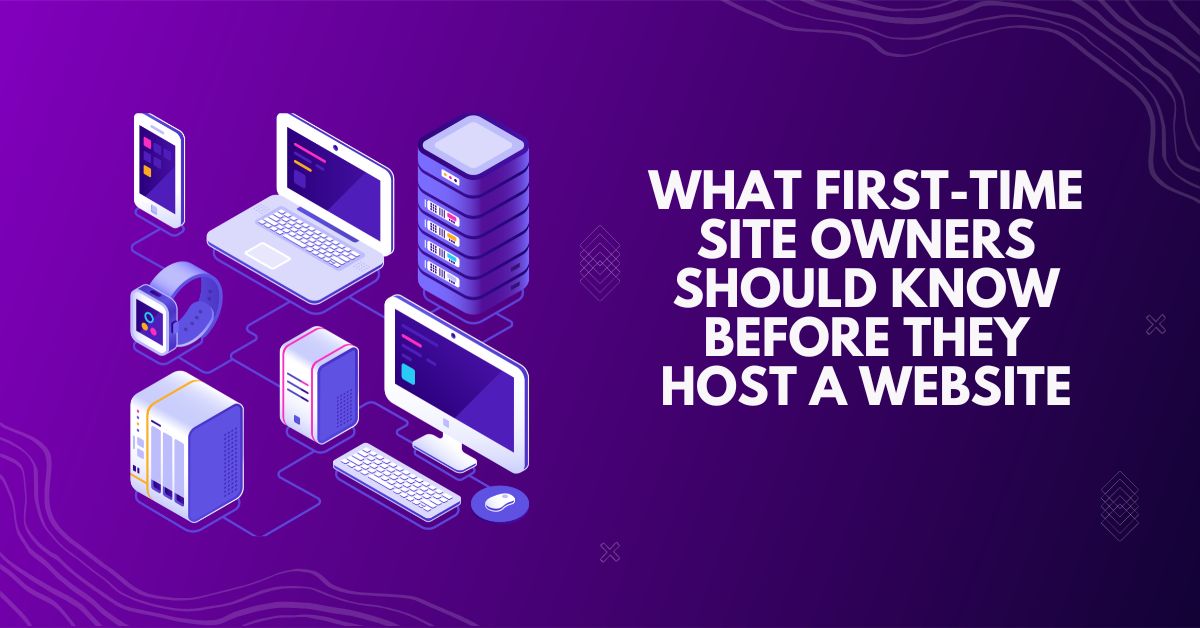
Hosting feels quieter than all of that, so it is easy to treat it as a small launch task. Pick something affordable, point the domain, move on. The problems usually show up later: a page opens slowly, a form does not send, an update makes the site feel unstable, or the plan starts feeling tight sooner than expected. When you are ready to host a website, that is the part worth thinking through before the site is already live.
A first site does not need to impress the hosting plan. The setup needs to fit the active requirements of the project. A standard business card page, a personal blog, a scheduling system, and an e-commerce platform create completely different server demands, regardless of how clean they look during development.
Operational planning begins with defining the user actions: processing online forms, handling customer media uploads, managing automated booking schedules, and running database queries on WordPress. Advanced features—like media galleries, custom payment gateways, or private member areas—require specific server capabilities and consistent resource updates.
Those answers tell you more than the plan name does. A simple site may only need basic hosting that is easy to manage. A site with more moving parts may need stronger resources or a clearer upgrade path. The point is to choose a starting point that matches the site you are actually about to launch.
Some hosting details stay invisible until something goes wrong. A new site owner may not think much about uptime, SSL, backups, or server speed while the pages are still being built. Then the site goes live, and those details start showing up in ordinary moments.
A slow page makes a visitor hesitate before they have even seen the offer. A form that fails quietly can lose a lead without anyone noticing right away. Missing SSL can make the site feel unfinished or unsafe. No recent backup turns a small update mistake into a much bigger problem.
Before choosing a plan, check the basics that protect the site from those small failures:
These are not advanced extras for later. They are the parts that help a first site feel reliable from the start.
Cheap hosting can look harmless when the site is still small. The pages open, the dashboard works, and nothing seems urgent enough to question the plan.
When a low-tier setup runs into its limits, the admin area slows down, backups feel too restricted, and the database responds unevenly. Support often takes longer than you expected when something breaks. That delay can cost more than the upgrade would have. A slow backend or unexpected downtime during a busy week can hurt customer trust quickly. And if the project has to move later, migration becomes one more technical task that could have been avoided with a better starting point.
A live website continuously accumulates operational weight in the background. Even a clean setup rapidly builds up technical data: system logs, server cache, diagnostic records, and automated spam checks. While these background processes seem negligible initially, their cumulative impact creates a steady resource drag on the hosting infrastructure.
That is where some first-time owners get surprised. A plan may have enough storage on paper, but still place limits on the number of individual files the account can hold. These file limits are often called inodes. If the site creates too many small files through routine activity, it can start running into problems before the storage space is actually full.
So the hosting should not only hold the site on launch day. It should also make the weekly routine easier: checking files, managing email accounts, clearing old data, reading logs, and adjusting small settings without turning every task into a support ticket.
A first website is much easier to handle when your tools are not scattered across different companies. Your domain, hosting, SSL, and support setup all hit the project at the exact same time. Handling them from a single account saves you from the constant friction of juggling multiple logins and passwords just to fix one minor settings detail.
The process stays straightforward: you link the domain, assign the space, add the security layers, and get the site online. That structure helps during launch week, when most of your time goes into updating pages, checking broken forms, and watching how the first real visitors interact with the content.
The upgrade path is just as practical. A new project can start light with a basic shared plan to keep costs low. But it should not feel trapped there. Namecheap allows the account to grow as visitors arrive, letting you add more resources later without turning expansion into a full, painful site rebuild.
Web hosting is more than a quick box to check during launch week. Your infrastructure stays active long after the design layout gets approved, the content goes live, and the first wave of real users hits the platform.
A stable foundation doesn’t require a massive upfront budget. It just needs to keep the site steady enough to open, update, recover, and grow without turning into daily maintenance work. For a first website, Namecheap gives that start a simpler shape: the basics stay close together, and the project has room to move forward.