The Number 1 rule that every web designer should follow is to create a fast loading web site. You might have a great design but very few people are going to see it if it takes a long time to load. While designing a web site always think about how long it will take to load. Try out our tips to build a great looking web site that also loads fast.
Read More
If you want to write so people read your blog content, write for human users as well as for search engines. Use targeted keywords to select your target audience. Write fresh, well-researched content that is useful to your reader. Write in the inverted pyramid style. Provide value, relevance and quality in your content. Add links within the flow of content. Use keywords and phrases including long-tail keywords in title tags and content. Avoid deceptive methods, keyword repetition and crawler-only pages and nonsense text.
Read More
Whether you want a personal website, a portfolio site or an ecommerce site, these good-looking photography websites will call attention to your work in an arresting way.
Read More
Learn how to create Spry Menu Bar in Adobe Dreamweaver.
Read More
This tutorial will teach you how to create a bouncing effect animation using Motion Tween and Shape Tween in Flash MX 2004. The .fla download file is included at the end of the tutorial.
Read More
In this tutorial, we will learn how to create a vintage label in illustrator.
Read More
This tutorial teaches you how to create a rainbow in a few steps using gradient presets in Photoshop CS.
Read More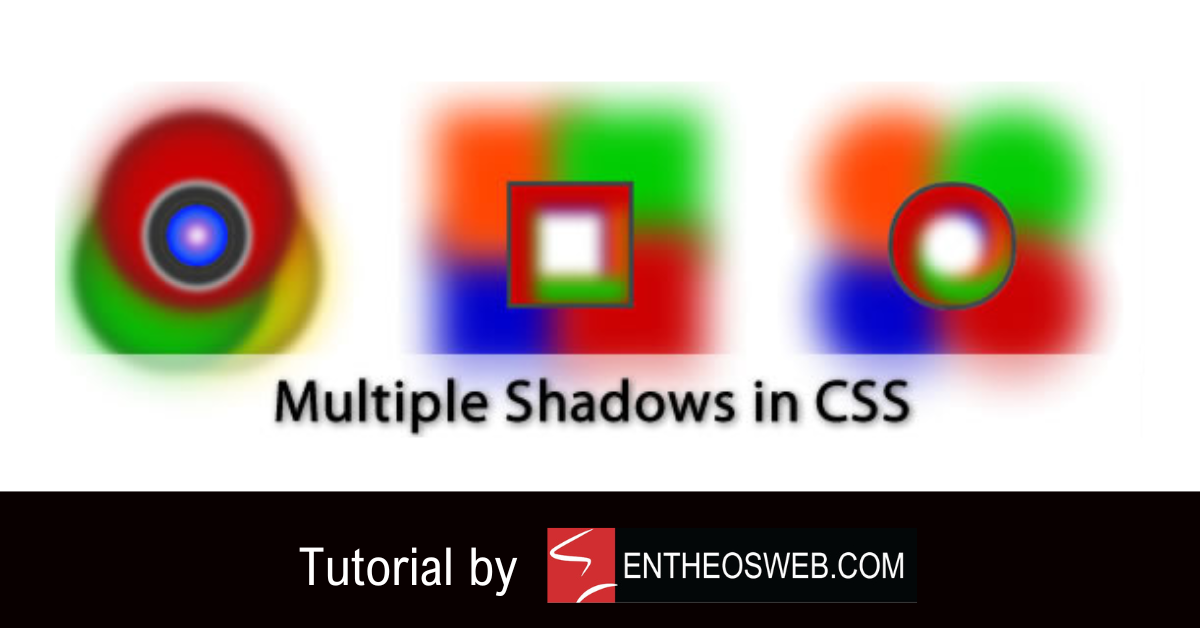
Learn how to create multiple shadows in CSS with this tutorial.
Read More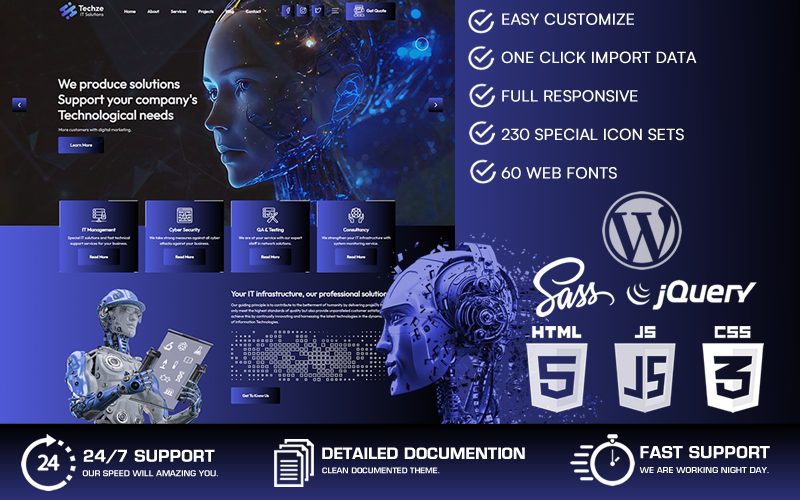
Here is a collection of the best responsive javascript animated website templates that include layouts for desktops, tablets and smartphones. These templates include awesome features like homepage intro slideshow animations, drop down menus, custom fonts and cool rollover effects!
Read More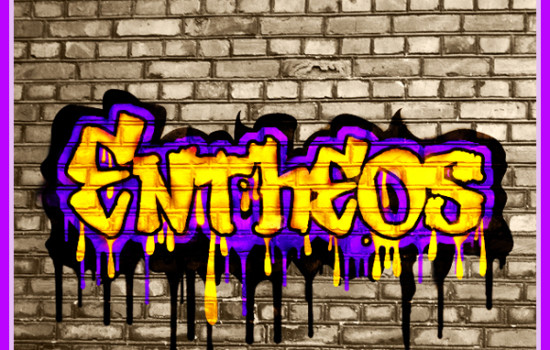
In this tutorial, we will learn how to create a cool graffiti text effect in Photoshop.
Read More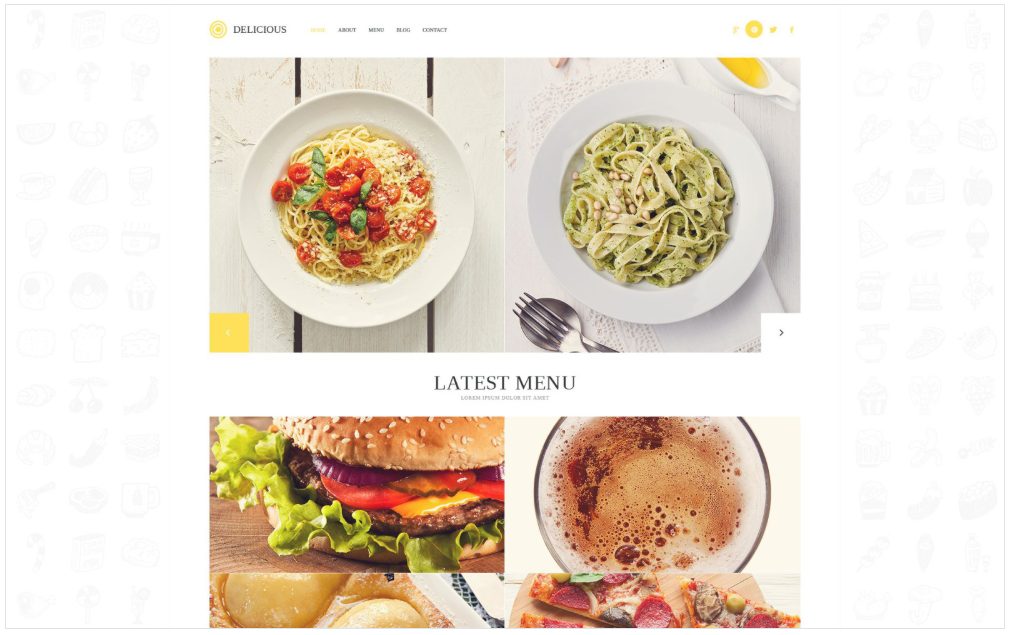
Use textures in web design to add depth to your design. Highlight design elements like your header or call attention to your menu, title, icons and buttons. Present a perfect background to set off your photos to advantage. Experiment with soft, hard, subtle or rough textures like wood, sand, earth, fabric, paper, ceramic and more to get the results you want. Textures bring harmony into website design and tie in different elements together.
Read More
Here's the best web design software available in the market today. We highly recommend using these web design tools to develop professional and attractive websites.
Read More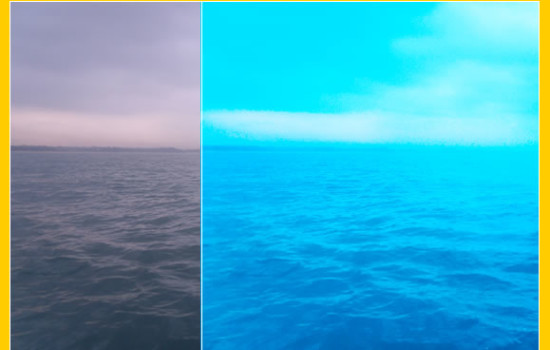
Convert a dull image to a bright and vibrant image in Photoshop! Learn how to use Photoshop to enhance the color and vibrance of photos using curves, photo filter, vibrance and screen tools.
Read More
We have collected some of our best templates that use vertical, horizontal or parallax scrolling to create smart & unique single page website designs.
Read More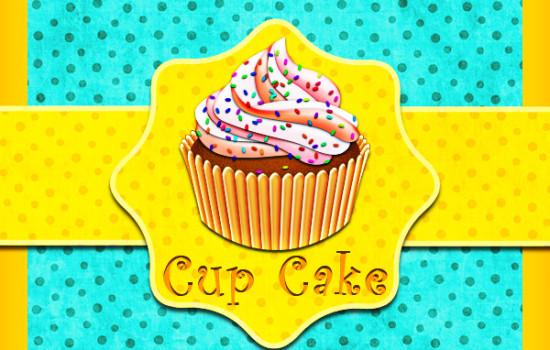
In this tutorial, we will learn how to make a delicious cupcake in Photoshop.
Read More
In this tutorial, we’ll learn how to create an old paper texture from scratch and its use to texturize a photo with the help of various brushes, filters and blending options in Photoshop.
Read More
Using the Lens Effect in Photoshop CS you can give a lot of lighting effects to your images. Try this tutorial to add sunrays to a picture!
Read More
Check out these amazing new Zen cart templates with features like jquery slideshow animation, smart fonts and typography, cool image effects, reviews & social bookmarking for products and more!
Read MoreCreate a frame for your photos with a pixelated effect in Fireworks.
Read More