QR codes are versatile tools used for various purposes, from sharing website URLs to embedding contact details or promoting products. Whether you need QR codes for marketing, business, or personal use, there are numerous QR code generators available. Here’s a list of some of the best QR code generators online, along with their pros and cons to help you decide which one fits your needs.
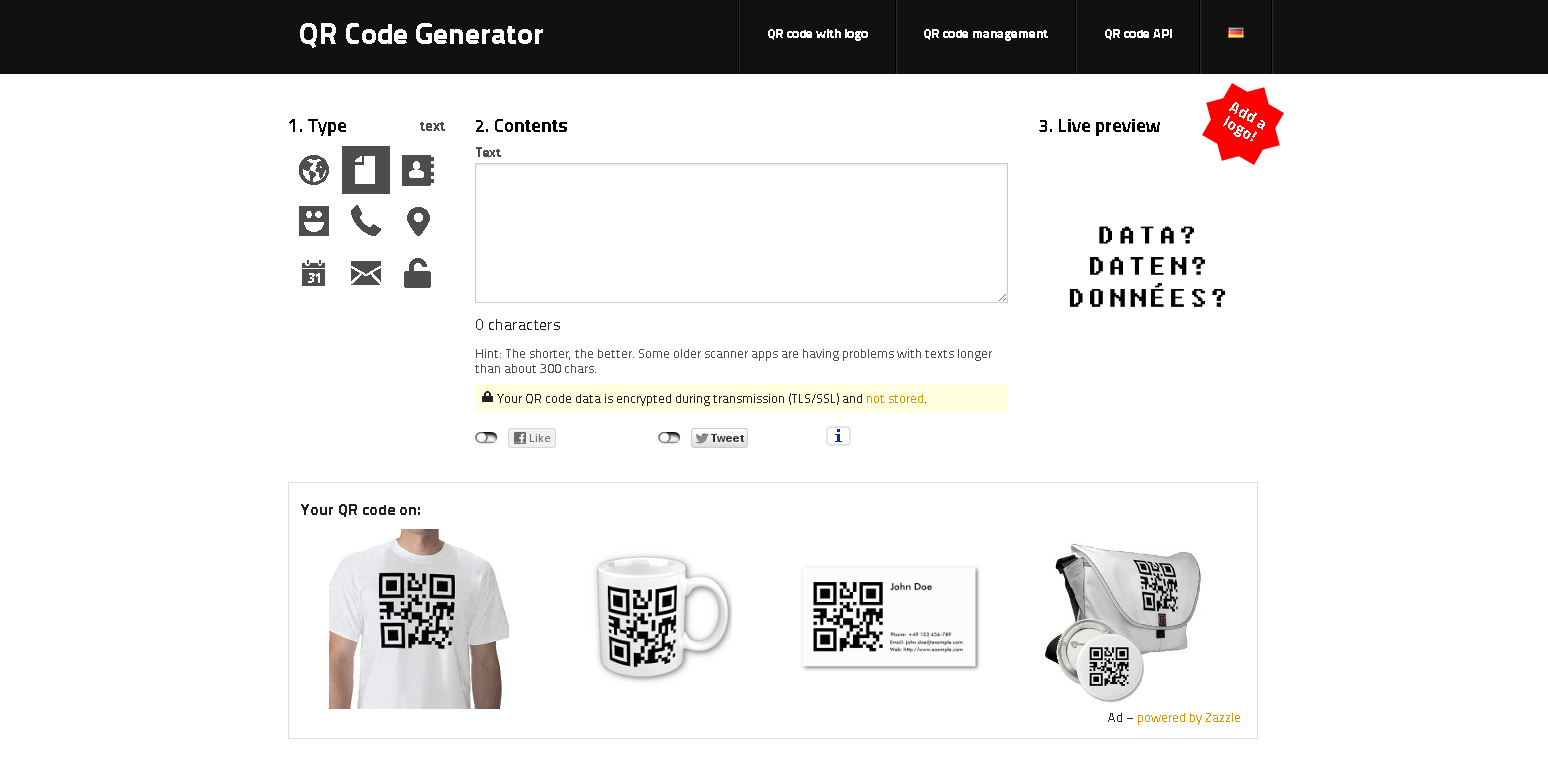
The QR Code Generator provides a straightforward tool for creating basic QR codes. It’s easy to use and doesn’t require an account, making it ideal for quick QR code generation.
Pros:
Simple and fast creation process.
No sign-up required for generating QR codes.
Generates basic QR codes for free.
Cons:
Limited customization options.
Advanced features like tracking require a paid subscription.
This is a comprehensive tool that offers customizable QR codes for various applications, such as social media, email, and websites. It also includes analytics for tracking code performance.
GOQR.me is a user-friendly QR code generator that offers a quick solution for creating codes for text, URLs, and contact details. It’s perfect for users who need simple, functional QR codes without the extras.
Pros:
Easy-to-use interface for basic QR code generation.
QRFY is a versatile QR code generator offering a mix of free and paid features, including tracking capabilities. This tool is especially useful for businesses that need analytics for marketing campaigns.
Pros:
Provides analytics and tracking options.
Customizable QR codes with colors and logos.
Supports various data types.
Cons:
Analytics and tracking features require a paid plan.
Adobe Express offers a QR code generator that integrates with Adobe’s design tools, allowing for high-quality, customized QR codes. It’s ideal for users familiar with Adobe’s suite of tools.
Pros:
Professional-quality QR codes with design flexibility.
TEC-IT is a robust QR code generator with many customization options. Users can create QR codes for multiple purposes, from URLs to calendar events, making it one of the most versatile generators on this list.
Pros:
Extensive customization options, including logos and colors.
Supports different QR code formats and data types.
Offers free and premium options for advanced features.
Cons:
Requires a paid subscription for high-resolution exports.
QRCode Monkey is known for its high-quality customization options, allowing users to create QR codes with custom colors, shapes, and logos. It’s a favorite for those looking to make visually unique codes.
Pros:
Extensive customization options.
High-resolution downloads are available for free.
No account needed to generate codes.
Cons:
No built-in analytics or tracking.
Interface may be overwhelming for those seeking simple QR codes.
QRStuff provides a straightforward QR code generator that supports over 20 data types, from URLs to event tickets. It’s an excellent option for creating QR codes for specific, unique use cases.
Pros:
Supports a wide range of data types.
Easy-to-navigate interface.
No sign-up required for free codes.
Cons:
Limited customization options in the free version.
Advanced tracking and analytics require a paid plan.
Canva’s QR code generator is integrated within its design platform, allowing users to create and design customized QR codes for their projects. Ideal for designers, it’s perfect for those wanting to combine branding elements with QR codes.
Pros:
Seamlessly integrates with Canva’s other design tools.
Customizable with backgrounds, colors, and branding.
Shopify’s QR Code Generator is ideal for businesses looking to connect QR codes directly with products or services. It’s simple and provides functional QR codes for business and e-commerce needs.
Pros:
Fast and easy QR code generation for business use.