Learn how to create multiple shadows in CSS with this tutorial.
Read More
In this tutorial, we will learn how to create a cool graffiti text effect in Photoshop.
Read More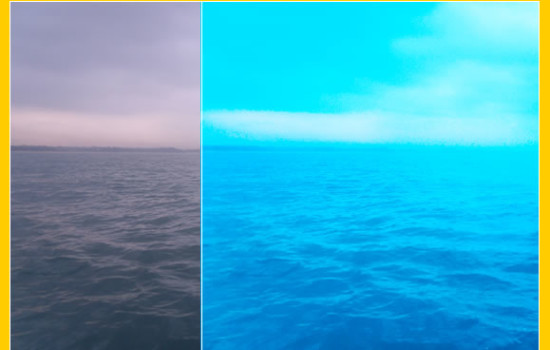
Convert a dull image to a bright and vibrant image in Photoshop! Learn how to use Photoshop to enhance the color and vibrance of photos using curves, photo filter, vibrance and screen tools.
Read More
In this tutorial, we will learn how to make a delicious cupcake in Photoshop.
Read More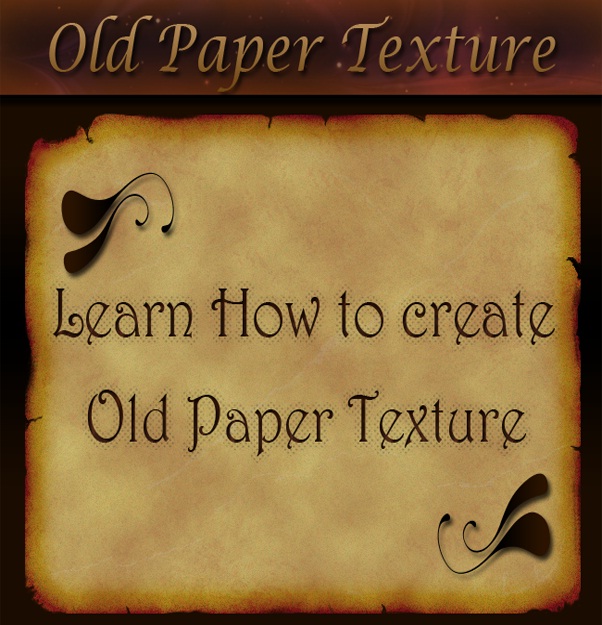
In this tutorial, we’ll learn how to create an old paper texture from scratch and its use to texturize a photo with the help of various brushes, filters and blending options in Photoshop.
Read More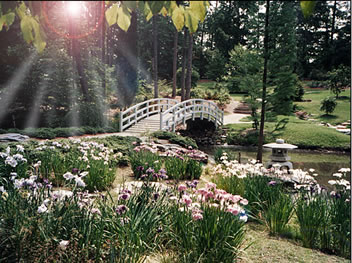
Using the Lens Effect in Photoshop CS you can give a lot of lighting effects to your images. Try this tutorial to add sunrays to a picture!
Read More
Create a frame for your photos with a pixelated effect in Fireworks.
Read MoreGive your photos a torn paper effect around the edges
Read MoreTry out these classy edge effects on your photos. It gives a cool look!
Read MoreTurn a new color photo into a sepia toned classic picture!
Read More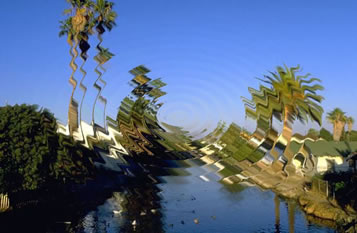
Learn to give a ripple effect to an image using filters in Photoshop
Read More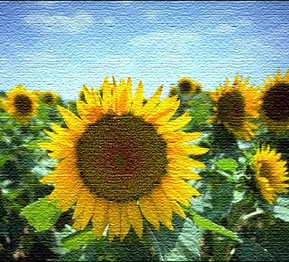
This tutorial will teach you how to give a canvas texture effect to an image.
Read More
Check out these tutorials on creating awesome image animation and transition effect using masking in Flash. You will find page roll effect, burning image effect, horizontal blinds, checkboard effects, lighting effects, water ripple effects, outline effects and more!
Read More
Learn how to give shapes, alphabets or roman numerals properties to bullets using the
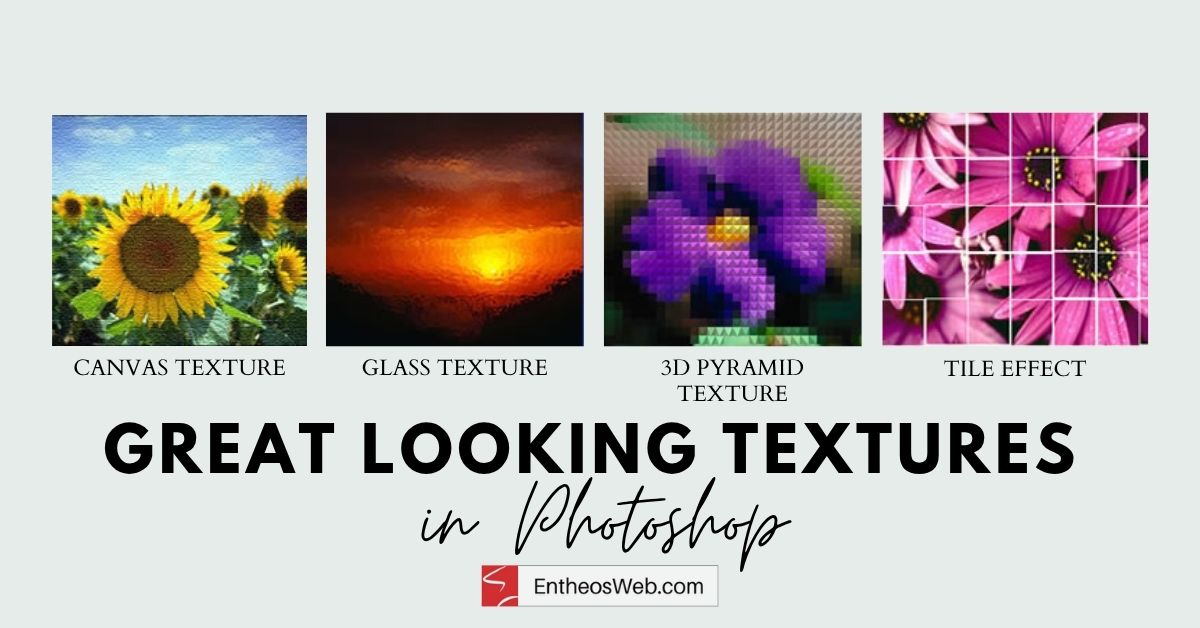
Learn how to create some great looking textures in Photoshop.
Read More
You can make your text look creative by using the warp tool in Photoshop. This allows you to shape your text in different styles.
Read MoreLearn just how easy it is to create swap images in Fireworks. S
Read More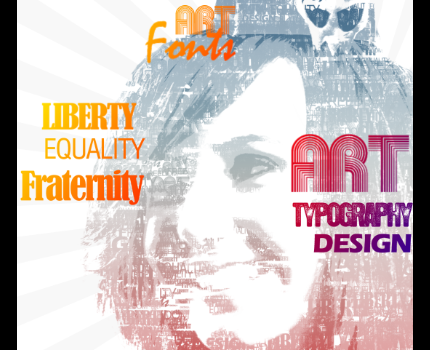
In this tutorial, we will turn a typical portrait image to a fantastic typographic design using Adobe Photoshop. Note that in this technique, we are not just adding some text over images, we will actually be creating typographic brushes to be applied to our portrait for a more creative and customized typographic effect.
Read More