
Starting a website in 2026 has never been more accessible — but the number of options has also never been more overwhelming. The platforms that earn a place on this list aren’t just easy to use. They’re easy to use and capable enough to grow with you, whether you’re launching a personal brand, a small business, a SaaS product, or your first online store.
This list prioritizes genuine beginner-friendliness: fast setup, clear interfaces, and meaningful output without a steep learning curve. No filler. No tools that look simple but hide complexity three clicks in.
1. Atoms — Best for Beginners Who Want More Than a Website
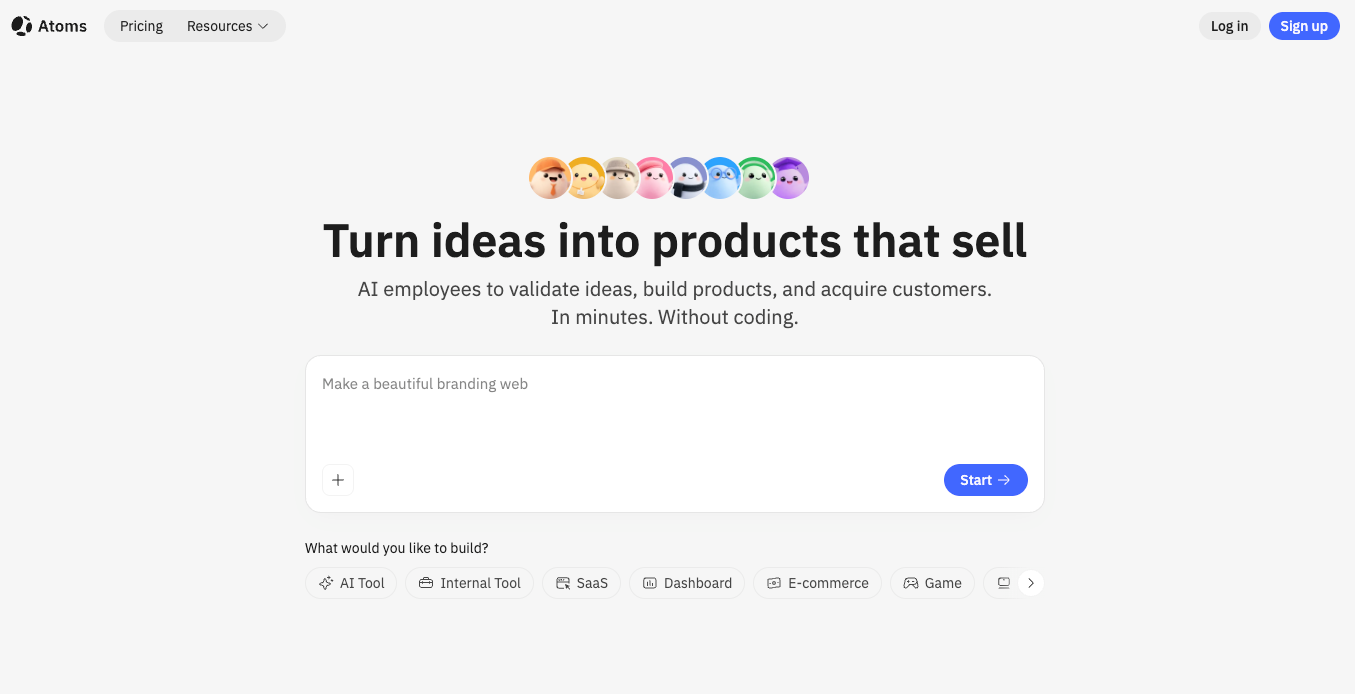
Most beginner-friendly builders help you put up a page. Atoms AI helps you launch a product. That distinction matters more than it might seem when you’re starting out — because the moment your site needs user accounts, a payment flow, or a database behind it, most beginner tools hand you a wall of integrations to figure out yourself.
Atoms was built to solve that. Describe what you want in plain language, and a coordinated team of AI agents — covering research, architecture, engineering, SEO, and growth — turns that description into a working full-stack product. Frontend, backend, authentication, database, payments, and deployment are all handled in one workflow, not assembled manually afterward.
For beginners who want to build apps with AI without needing to understand what a server is or how to configure a deployment pipeline, this is the most complete starting point available. You stay in natural language throughout. The platform handles the complexity invisibly.
Among sites like Base44 and other AI-powered product builders, Atoms stands apart through Atoms Cloud — its managed infrastructure layer that provides authentication, storage, serverless deployment, and Stripe-backed payment flows natively. Other platforms generate interfaces; Atoms generates products that are ready to charge users from day one.
The Visual Editor lets you refine layout and content after generation without touching code. Race Mode lets you compare outputs across multiple AI models to get the strongest result. One-click deployment and custom domain support mean you can go from first prompt to live URL in a single session.
Atoms is trusted by more than one million builders worldwide — including teams at Amazon, Microsoft, Google, and Samsung. It was recognized as #1 Product of the Day and #3 Product of the Year on Product Hunt in 2025.
Best for: Beginners launching SaaS products, AI tools, or any project that needs real backend infrastructure from the start
Standout feature: Full-stack generation with SSR, built-in SEO and Ads Agent, and no manual backend setup
2. Wix — Best for Small Businesses and Service Providers
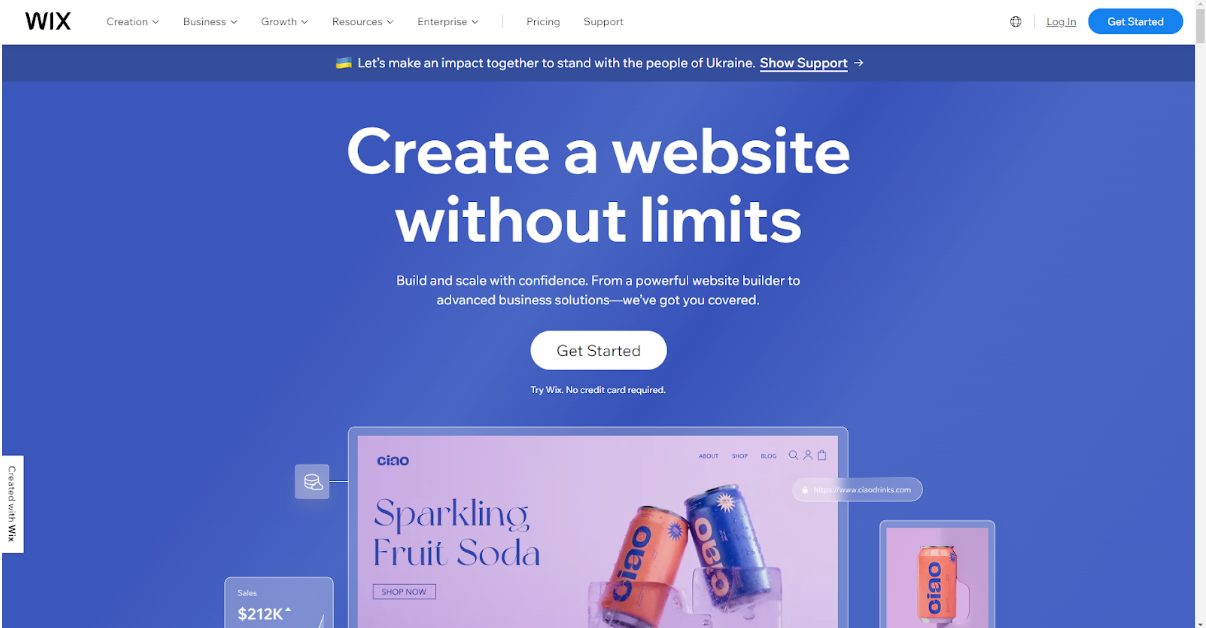
Wix has spent over a decade refining the beginner experience, and it shows. The onboarding flow asks you a few questions about what you’re building, then generates a starting point that’s already structured and populated — not a blank canvas with infinite options that paralyze new users.
The AI assistant built into the editor lets you make changes in plain language: adjust the color scheme, rewrite a section, add a booking widget, restructure the layout. For users who find drag-and-drop editors confusing, the conversational interface removes a significant amount of friction.
Wix’s real strength for beginners is its depth without complexity. Hundreds of apps, e-commerce tools, booking systems, blog functionality, and SEO panels are available, but they don’t surface all at once. You encounter them when you need them, which keeps the experience manageable.
The main limitation worth knowing upfront: Wix sites live on Wix’s infrastructure permanently. You can’t export your site and host it elsewhere, which is a practical constraint if your needs outgrow the platform later.
Best for: Local businesses, freelancers, service providers, anyone who needs a professional-looking site fast Standout feature: AI-assisted editor that accepts plain-language instructions for layout and content changes
3. Squarespace — Best for Creatives Who Want a Beautiful Site Quickly
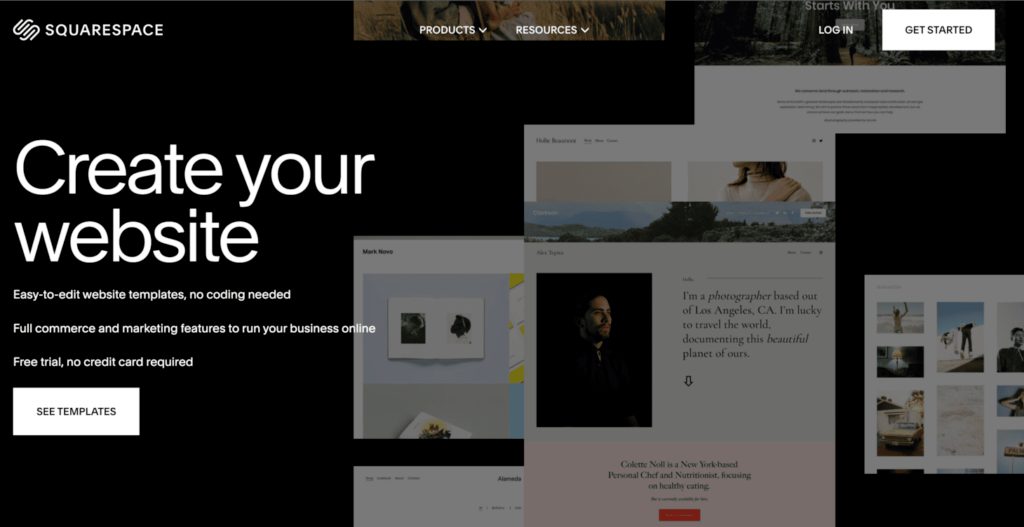
If aesthetics matter to you — and for photographers, designers, artists, musicians, and writers they usually do — Squarespace consistently produces the best-looking output of any beginner-friendly builder. Its Blueprint AI setup walks you through style preferences and site goals, then generates a starting point that already looks considered rather than generic.
The templates are genuinely well-designed, not just functional. And the AI copywriting tools built into the editor help beginners fill sections without staring at blank text blocks, which is one of the most underrated friction points in the site-building process.
Squarespace also handles e-commerce, digital downloads, memberships, and service bookings without requiring third-party plugins, which makes it a practical all-in-one for creators who want to sell directly from their site.
The interface is more constrained than Wix — you have less freedom to place elements wherever you want — but for beginners, that constraint is often an advantage. Fewer choices means fewer mistakes and a more coherent final result.
Best for: Photographers, artists, musicians, writers, any creative who needs a polished online presence Standout feature: Blueprint AI setup combined with the most visually refined template library in the beginner category
4. Carrd — Best for Getting Something Live in Under an Hour
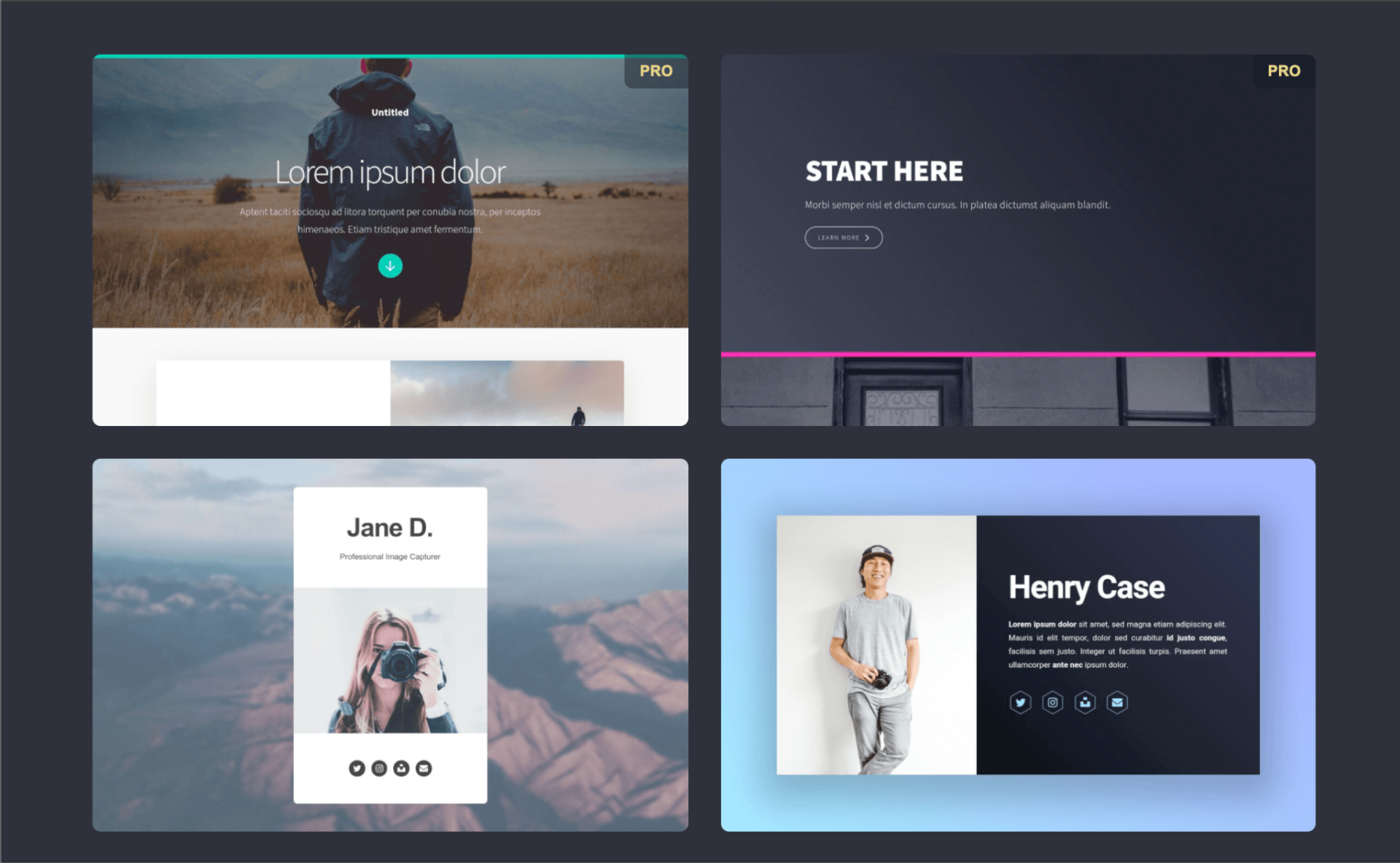
Carrd earns its place on this list through radical simplicity. It builds one-page websites, and it does that one thing extremely well. For beginners whose goal is a clean, fast-loading landing page — a personal bio, a link hub, a product waitlist, a newsletter signup — Carrd removes every obstacle between you and a live URL.
The editor is minimal by design. You pick a template, swap in your content, connect a custom domain, and publish. The whole process is genuinely achievable in under an hour for a first-time user with no prior experience. The free plan is functional enough to get started, and the paid plans are among the most affordable in the category.
Carrd won’t work if you need multiple pages, a blog, e-commerce, or any kind of dynamic functionality. But that’s not what it’s for. For the specific use case of a simple, well-designed one-page site, nothing is faster or easier.
An app prototype generator this is not — but for quickly validating an idea with a public-facing page before you build anything more complex, Carrd is hard to beat as a starting point.
Best for: Personal sites, landing pages, link-in-bio pages, early-stage waitlists Standout feature: The fastest path from zero to a live, well-designed single page — no experience required
5. Webflow — Best for Beginners Who Want to Grow Into a Professional Tool
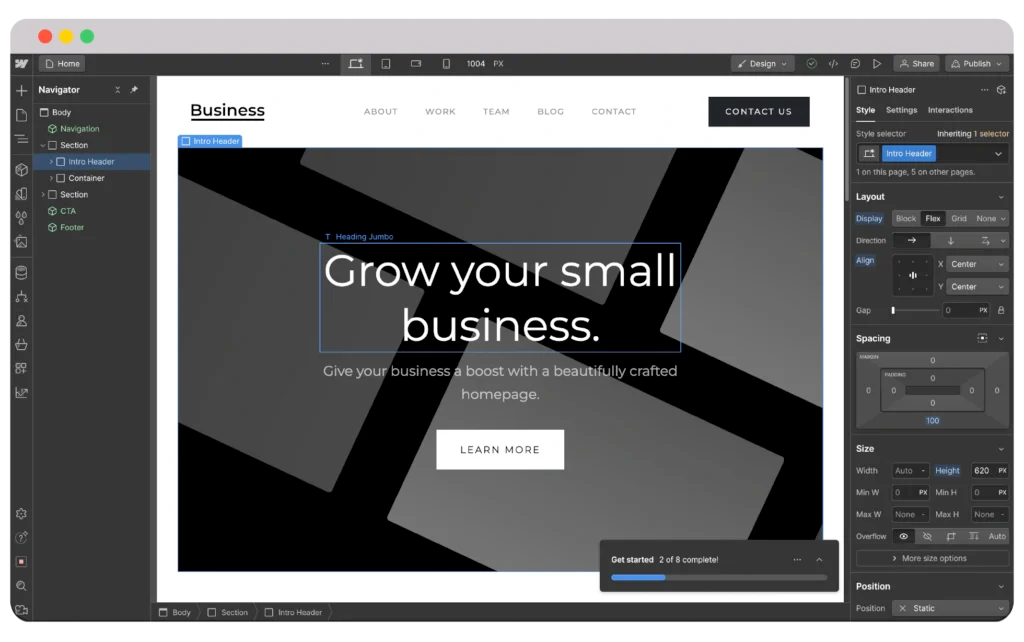
Webflow sits at the more ambitious end of the beginner spectrum. It’s not the fastest to learn, but it rewards the investment more than almost any other platform — and its AI-assisted features have made the onboarding experience significantly more accessible over the past year.
The AI layout generator can scaffold page structures from a description, and the AI copywriting tools help populate sections without manual effort. For beginners who are willing to spend a few hours learning how Webflow thinks about layout — boxes, flexbox, spacing — the platform opens up into one of the most powerful design and publishing environments available without writing code.
Where Webflow genuinely pulls ahead for growth-minded beginners is its CMS. If you plan to publish content regularly — blog posts, case studies, product pages, portfolio pieces — Webflow’s structured content system handles it more cleanly than any other builder on this list. Combined with its clean, semantic HTML output, sites built on Webflow tend to perform well in organic search over time.
The honest caveat: Webflow has a learning curve that Wix and Squarespace don’t. If you want to be live today with minimal friction, start with one of those. If you’re willing to invest a weekend learning the fundamentals, Webflow will serve you for years.
Best for: Beginners who want professional-grade output and plan to grow their site over time Standout feature: Visual design precision combined with a powerful CMS — the closest thing to a developer’s output without writing code
How to Choose the Right Builder for You
The honest answer is that the right tool depends entirely on what you’re trying to build and how fast you need to move.
If your project needs real functionality behind it — user accounts, payments, a database — start with Atoms. It removes more complexity than any other option on this list and gives you a complete product rather than a frontend to which you’ll need to add everything else later. If you need a professional business site with good support and a deep ecosystem, Wix is the reliable choice. For creative work where visual quality matters most, Squarespace produces the best-looking output. If speed is everything and a single page is enough, Carrd gets you live faster than anything else. And if you’re thinking about where you want to be in a year, not just today, Webflow is worth the extra learning curve.
Every tool on this list has a free trial or a free tier. The fastest way to find your fit is to spend thirty minutes with your top two options and see which one feels right. The best website builder is always the one you’ll actually finish building on.











