Create amazing effects on photographs in a few clicks using ready-made Photoshop actions. Bring your images to life with these dynamic, three-dimensional effects. It’s quick, simple and amazingly effective.

Photoshop Actions are useful tools that save you a bunch of time and energy and help you create amazing images, text and animations with just a few clicks. If you want to add a dramatic, artistic, or magical effect to an image manually in Photoshop it would take you a long time and a lot of effort. Photoshop Actions compress the timeframe by combining, saving and automating the steps you have to take. Photoshop Actions are available for download as .ATN files. You can repeat these actions at any time.
All you need is Adobe Photoshop. There’s no third-party software to install. Even Photoshop beginners can easily use Photoshop Actions with a few clicks. Tutorials are included.
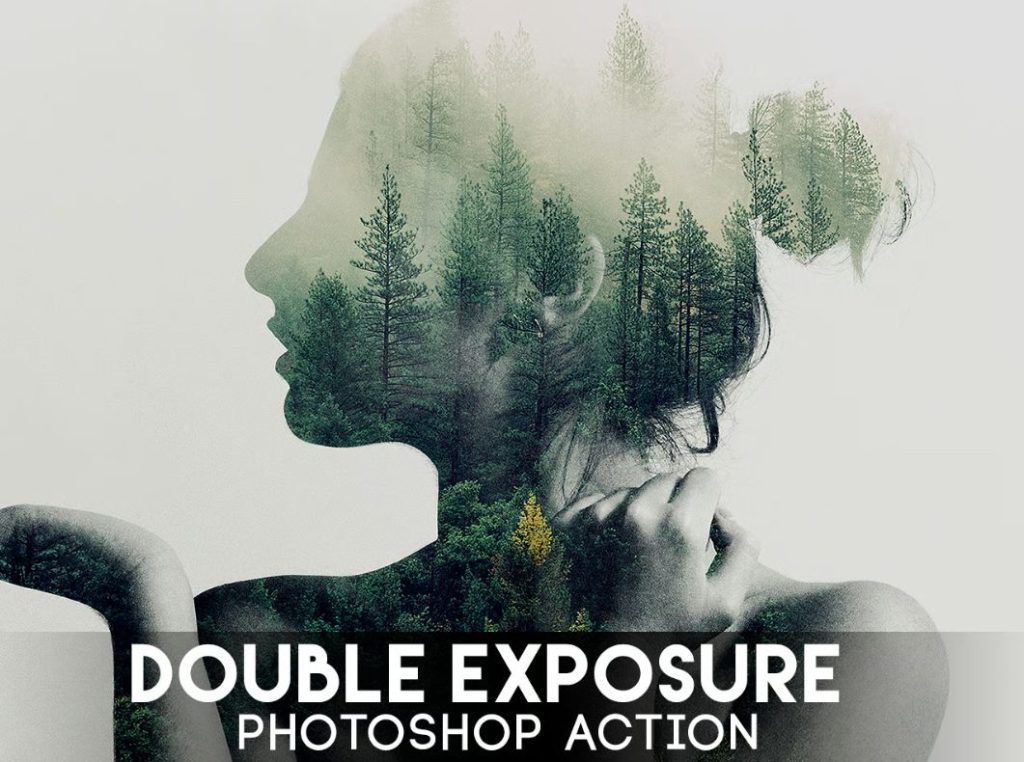
Double Exposure Effect Photoshop Action
Double Exposure Action – a great tool for a photographer or designer. Create a wonderful effect of double exposure in a few seconds. After you finish applying the Photoshop Action to your work, you can add a color tone, or gradient to your composition.
Selective Color Photoshop Action
Convert your image into black and white with a professional selective color effect in a single click with this easy to use Photoshop Action. lt adds adds style, depth, drama and interest to your images.

Color Festival Photoshop Action
Color Festival Action is a Photoshop Action that you can use to create photo manipulation artworks. It includes smoke, dust and powder color explosions used in celebrations and holidays, and color gradings that create a mood of happiness and joy.

Create an air of expectation with smoke, lights, clouds, and incredible color gradings using Epic 2 Photoshop Action.

Turn your photographs into paintings in the easiest possible way. It’s simple to do and a lot of fun playing with layers. Each layer gets the painted effect, giving you a lot of creative control. The original image layer remains unchanged. The process works non-destructively, maintaining high quality. 1-click action.

Related Links